Cyber Environments
Learn to make beautiful cyberpunk environments in Blender.
30-day refund · Full Access Today
1800+ blender artists across my courses.
"Never thought I'd learn so much from a course than I will ever have from a blender tutorial on YouTube"
- @walt.3d
Cyber Environments
Learn to make beautiful cyberpunk environments in Blender.
30-day refund · Full Access Today
1800+ blender artists across my courses.
"Never thought I'd learn so much from a course than I will ever have from a blender tutorial on YouTube"
- @walt.3d
"I loved how simple the basic setup was, and from very early on you saw results which motivated to continue, and the end result is amazing!"
- @niko_alaopas
"This course gave me the tools and confidence to create detailed and immersive cyberpunk environments in Blender. The techniques were easy to follow, and I saw noticeable improvements in my 3D work right away."
- @ahmedkdrz
"My favorite aspect of the course is how it emphasizes getting things done, without being overly distracted by detail or overwhelmed by scale. The strong forward-movement of Max's process flattens the initial hurdles of executing on an idea, allowing more energy to go towards impactful creative-decisions and getting results."
- James Patel
Why I Made This Course
I've been refining my process for creating cyberpunk/city environments for 6 years.
I've put everything I've learned into this course so it takes you way less time to learn this.
Some of my earliest renders were (quite bad) cyberpunk renders. I found it impossible to get the quality I was happy with in such a complex setting.
With more practice, I slowly started figuring out some things that make these renders look way better.
Things like starting with a basic blockout, getting references, and focusing on camera and lighting FIRST made a huge difference to my end results.
It took me a lot of trial and error to learn these lessons, but that's not the only way to learn this stuff.
What I'll teach you in this course is my repeatable process for making great renders consistently.
What you'll get:
7 Environment Guides from start to finish.
Full project file available for every environment
6 Asset packs - 328 of my best 3D assets allowing commercial use
Connect with hundreds of other environment artists via the private Discord.
Ask me questions directly anytime.
30-day refund policy for any reason.
2 bonus environments from my older course (+2 hour Secret Environment)
24+ hours of content, every step shown
30-day refund · Full Access Today
Who is this course for?
This course is meant for the person who has at least the basics of blender down, but doesn't fully understand the process of making urban & cyberpunk renders from start to finish.
It's about the same difficulty level as the content on my YouTube channel, so if you can follow most of that then you'll do great in the course.
Course Outline
Section 1 - Introduction & Fundamentals
In this section I will give an overview, go through my essential workflow tips, show all the ways I use to speed up working with Cycles, and how to fix the most common rendering issues.
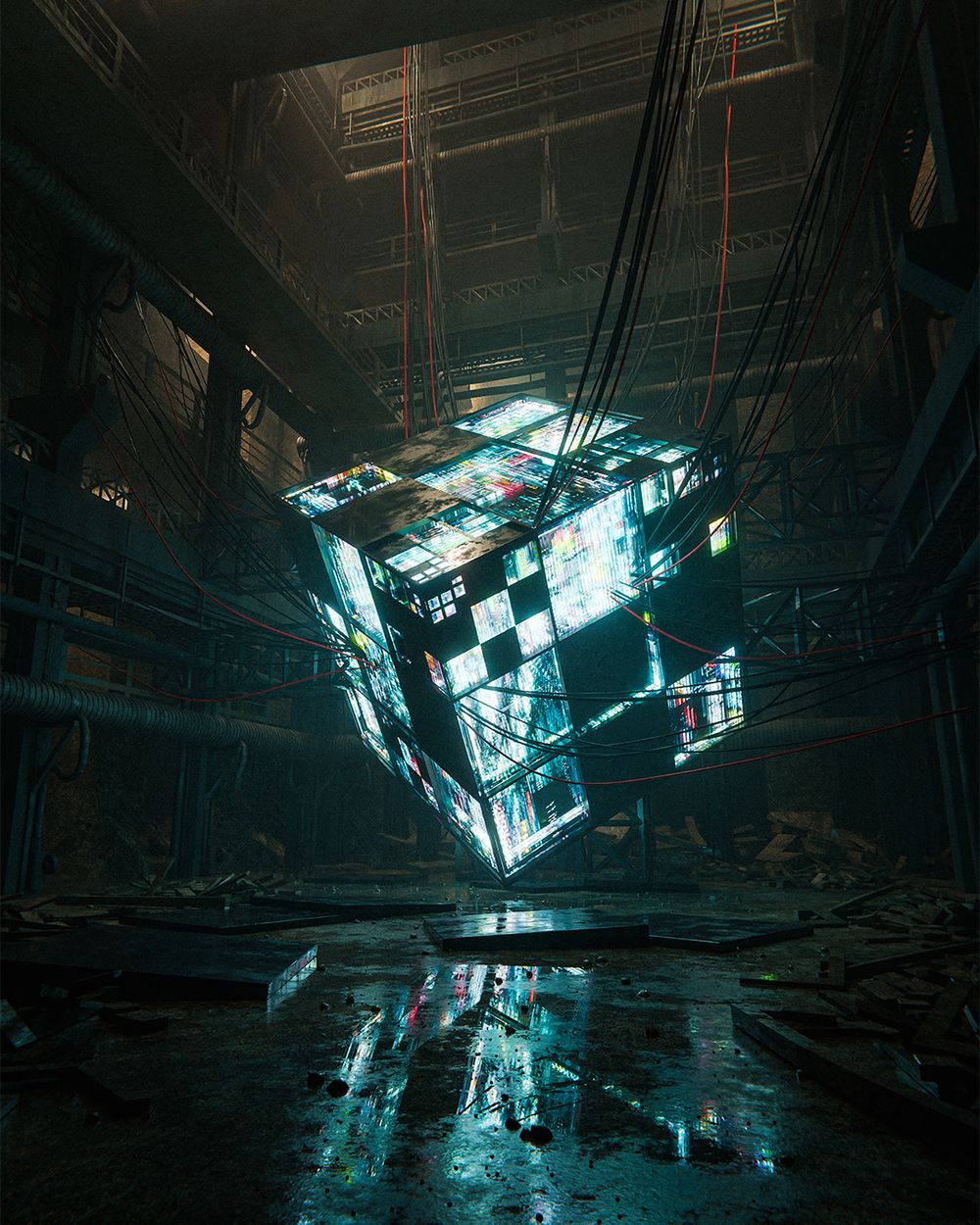
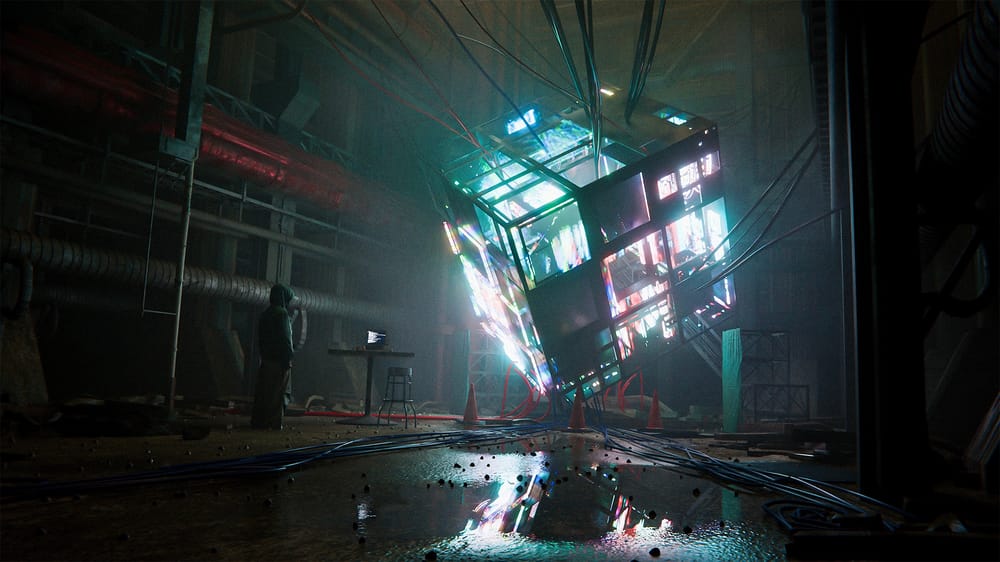
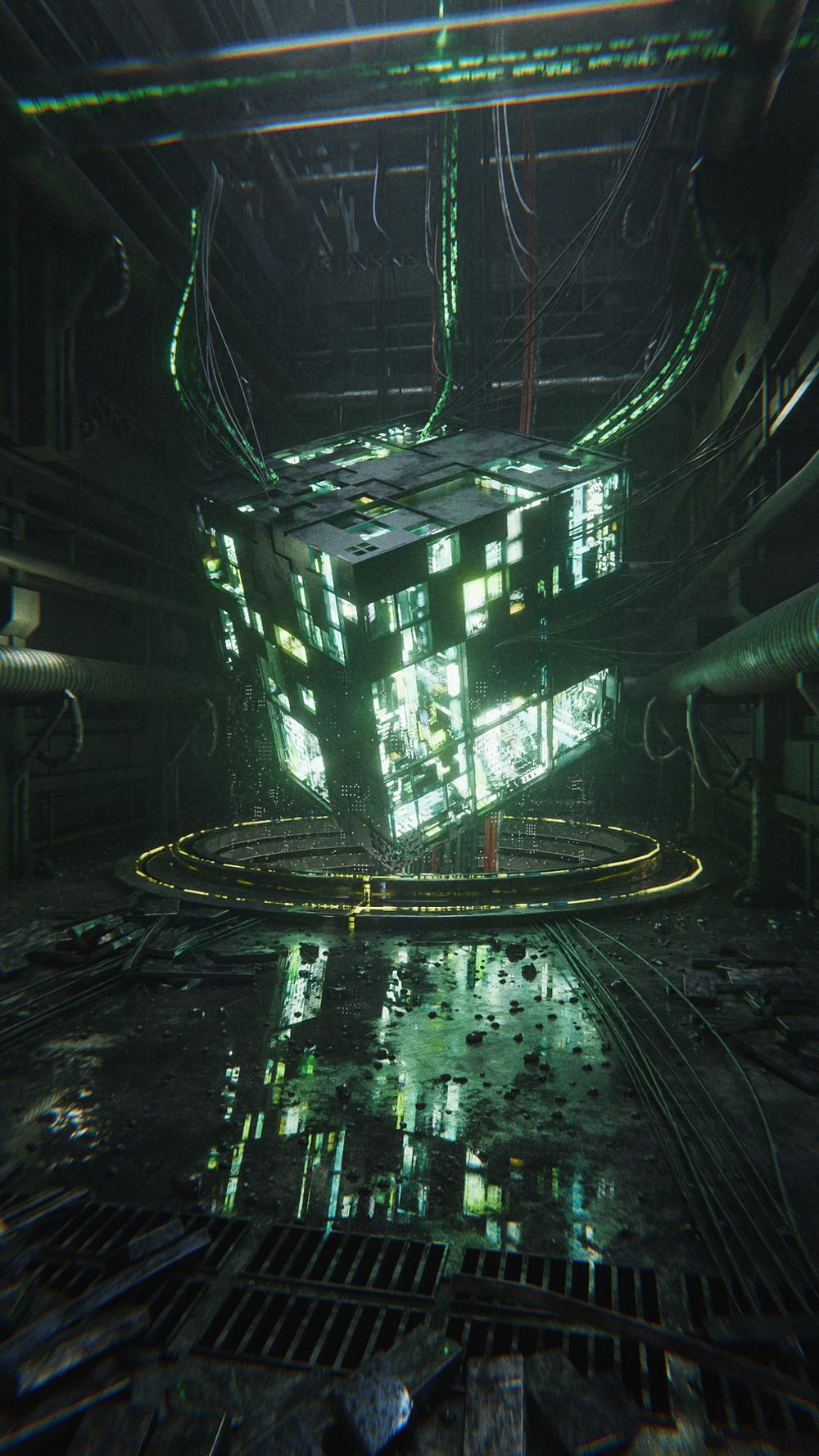
Section 2 - Cyber Cube Creation
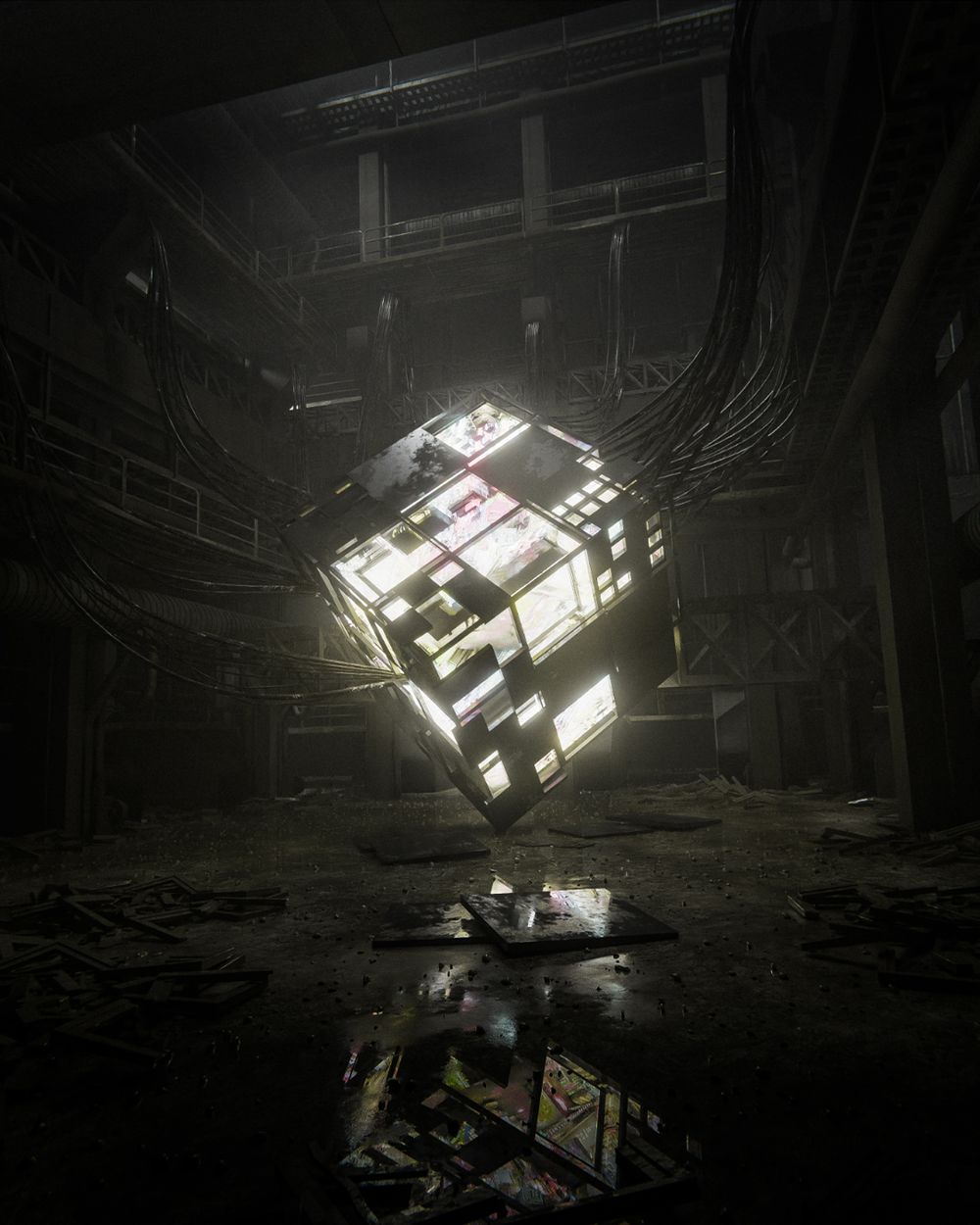
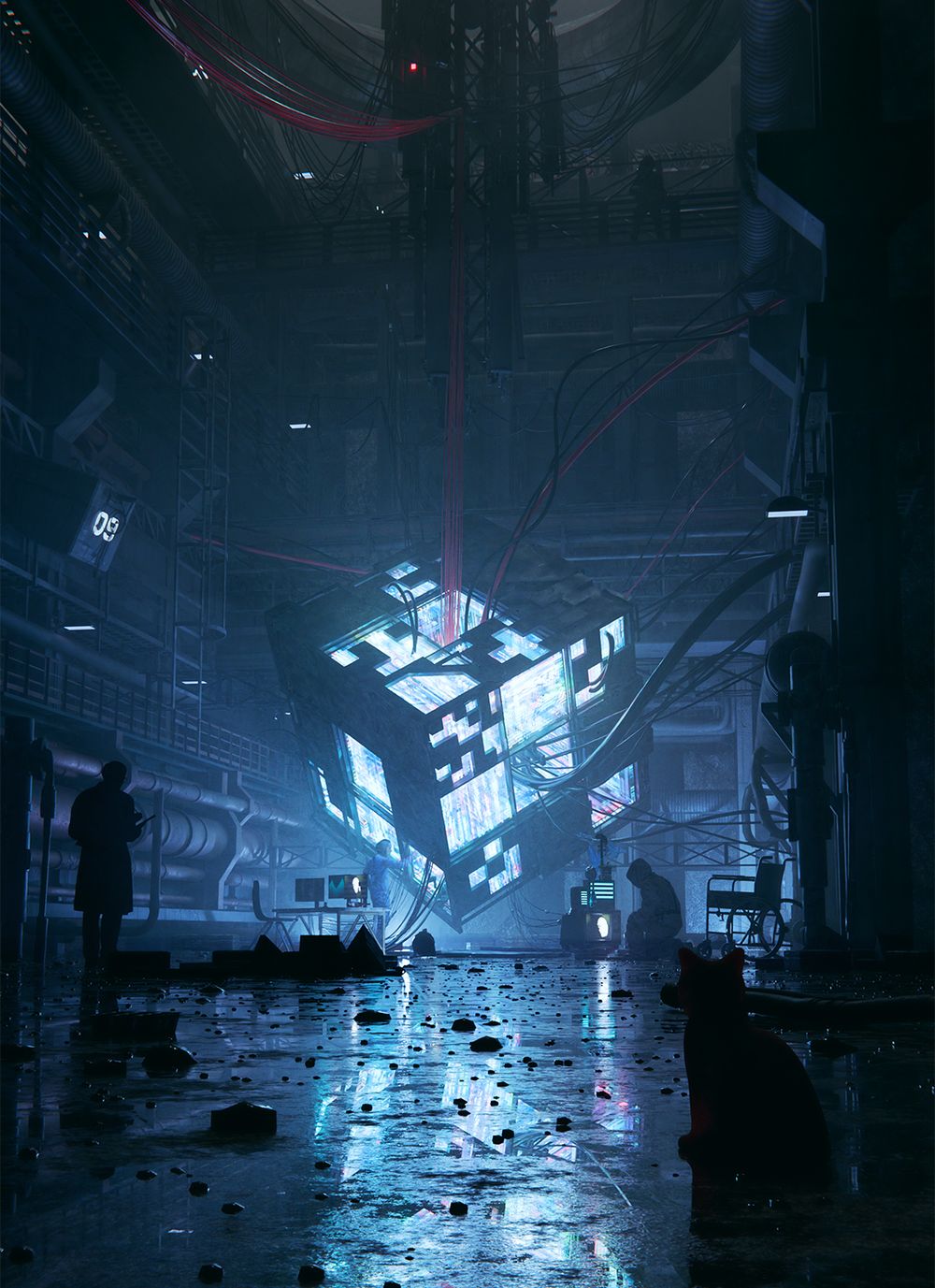
We'll jump right into this cyber cube render where I'll show you how to use powerful emissive surfaces which will let you control beautiful glowing surfaces and neon signs.
I'll show you the process from start to finish so that you can make your own version of this render, or take the techniques and apply them to whatever you want.
We'll go over everything from creating the cube, making the wet floor and debris, to creating industrial assets that can be used in future projects.
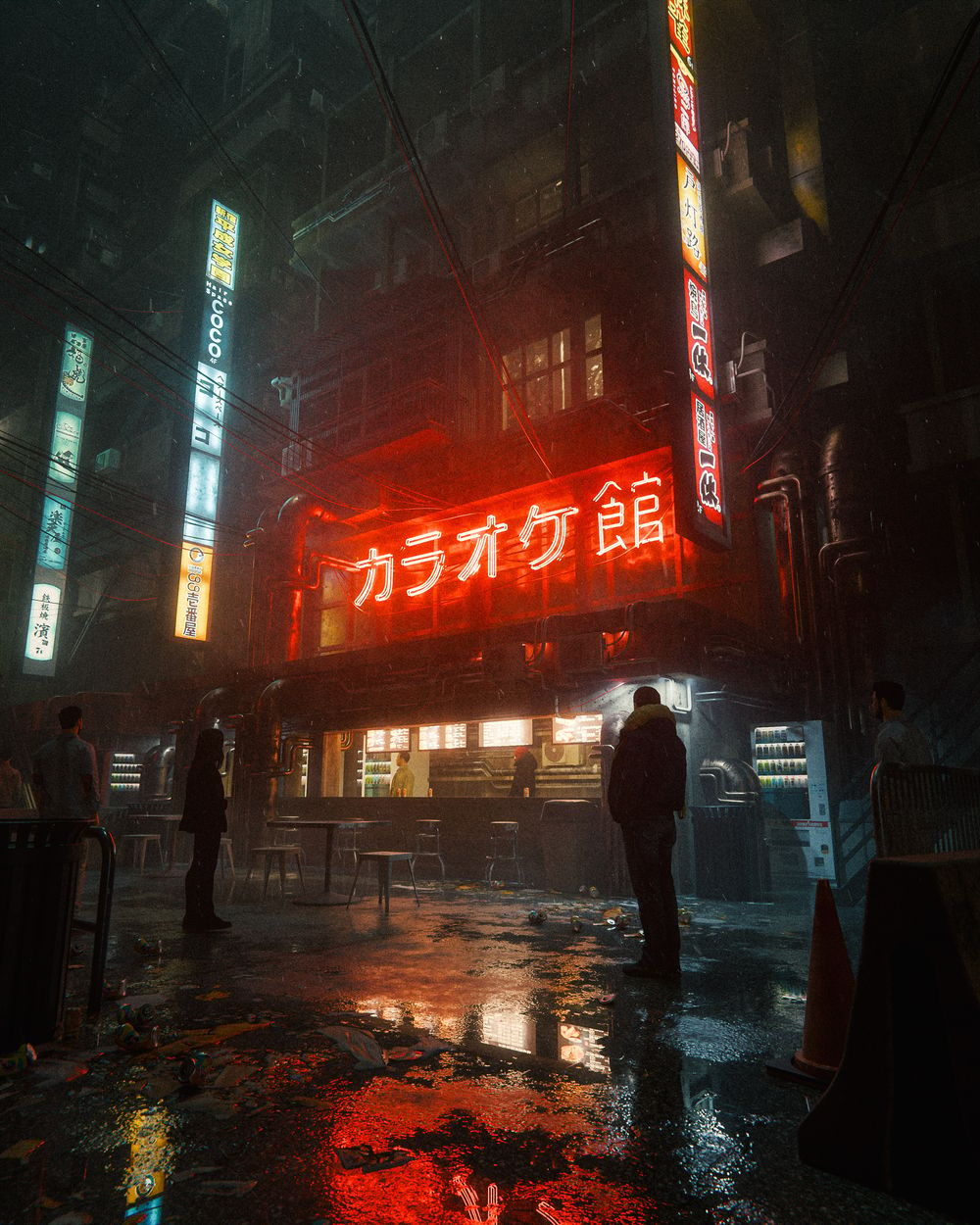
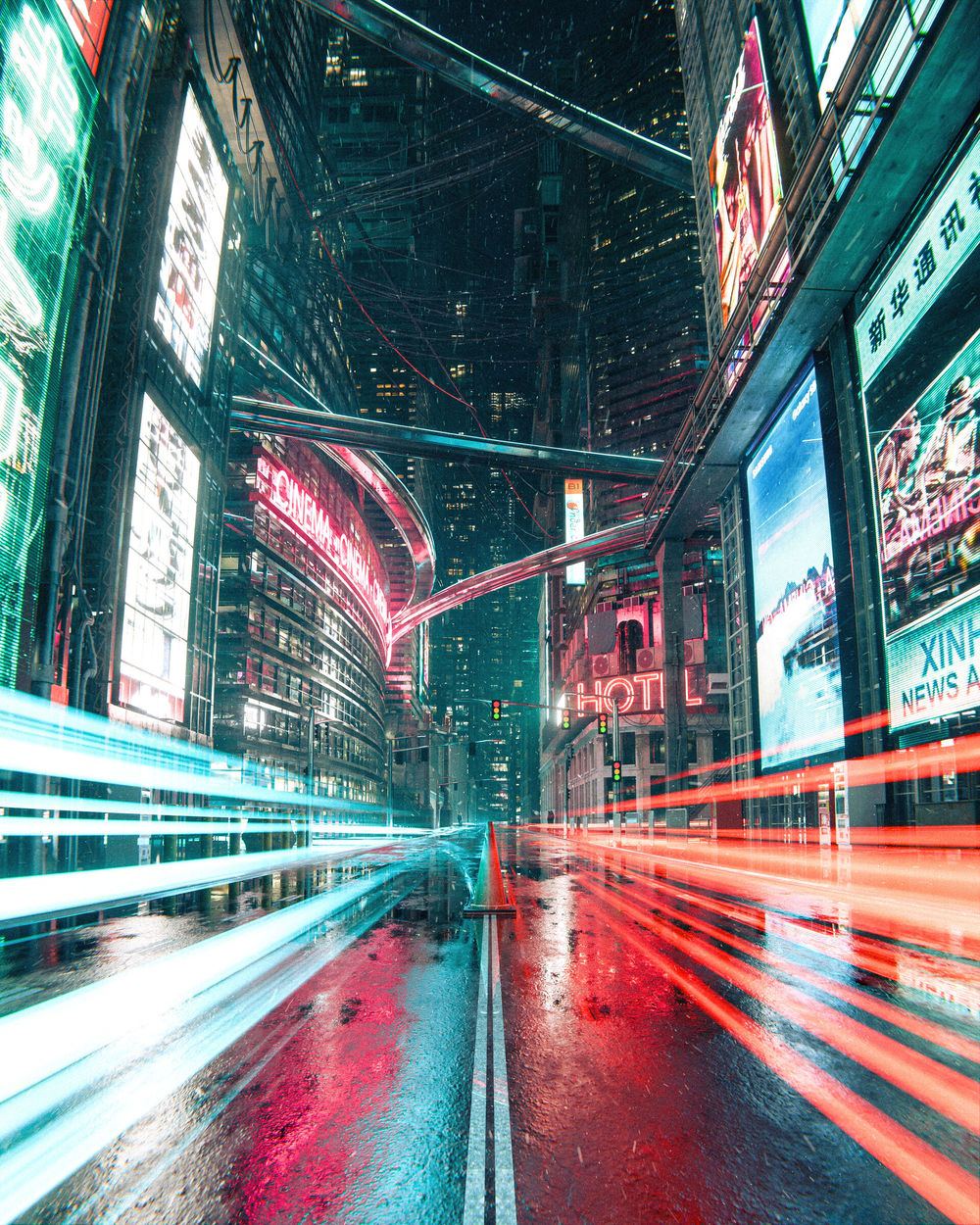
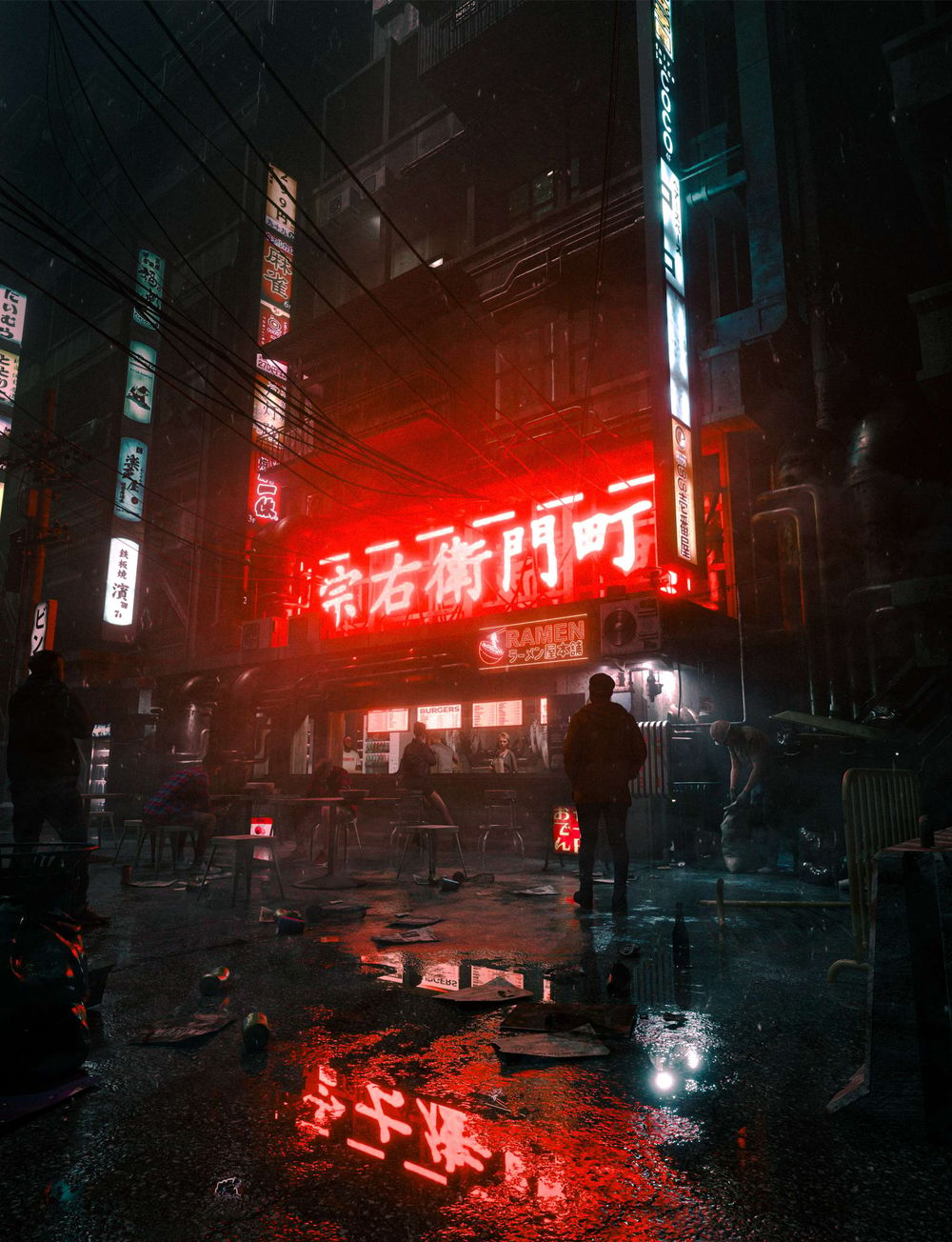
Section 3 - Cyberpunk Street Creation
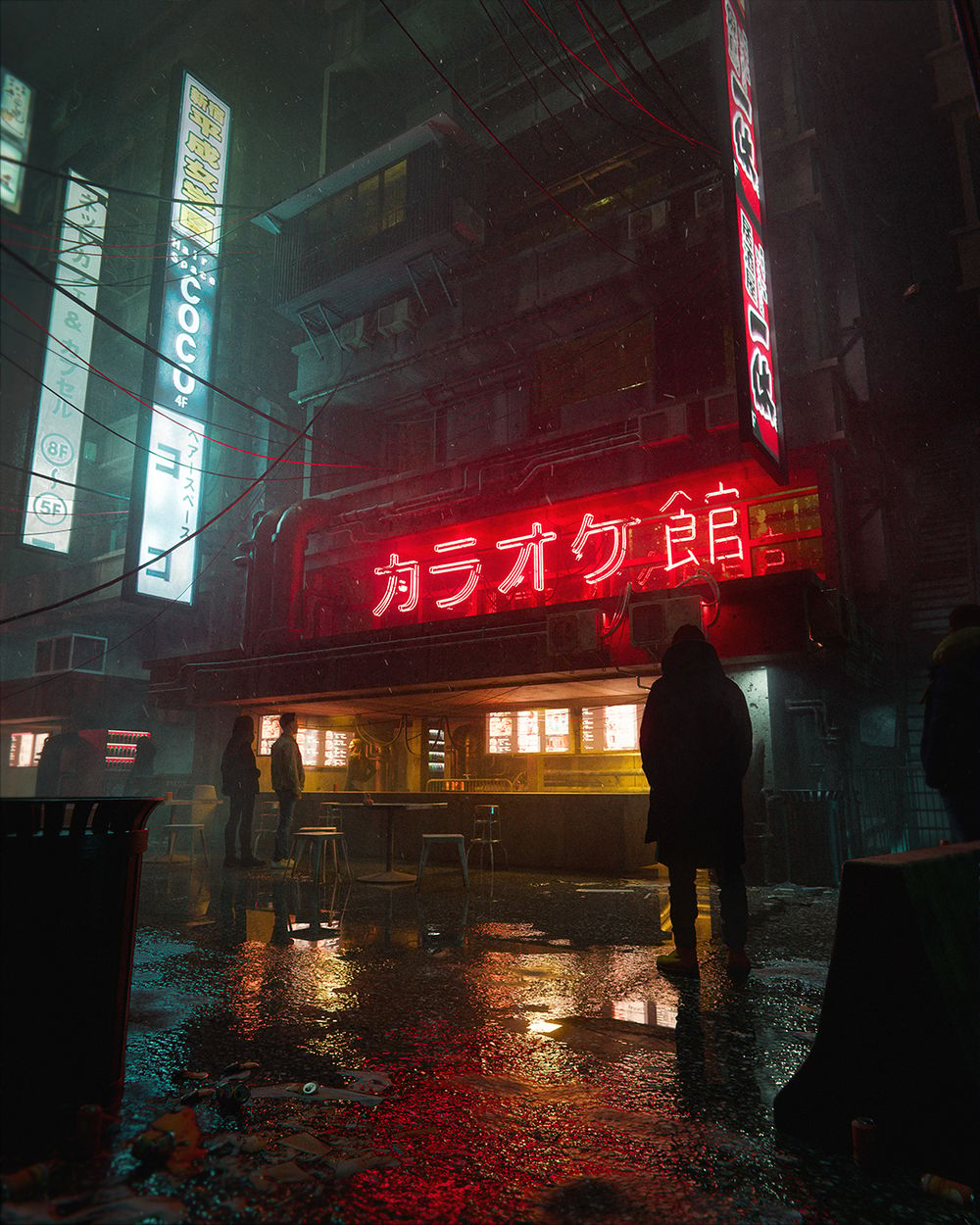
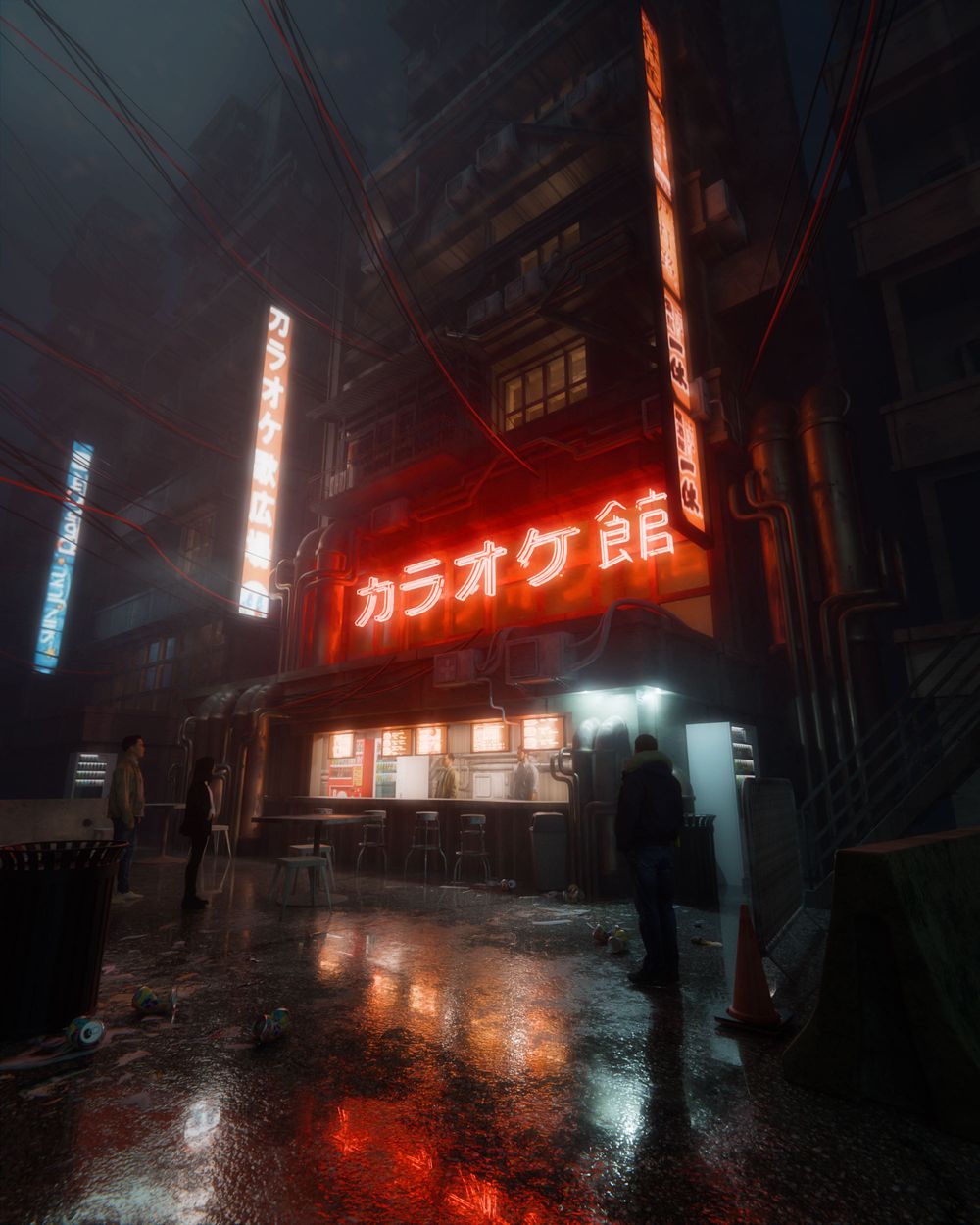
We're literally starting from the ground up with this street level render. By the end of this one you'll be able to make beautiful neon-filled streets that feel alive and real.
I've found that one of the most important parts of making a render feel real, or at least less render-y, is to apply photography principles to the scene as much as possible. In this one I'll share some techniques I've learned from taking photos to make your cyberpunk streets feel natural and living.
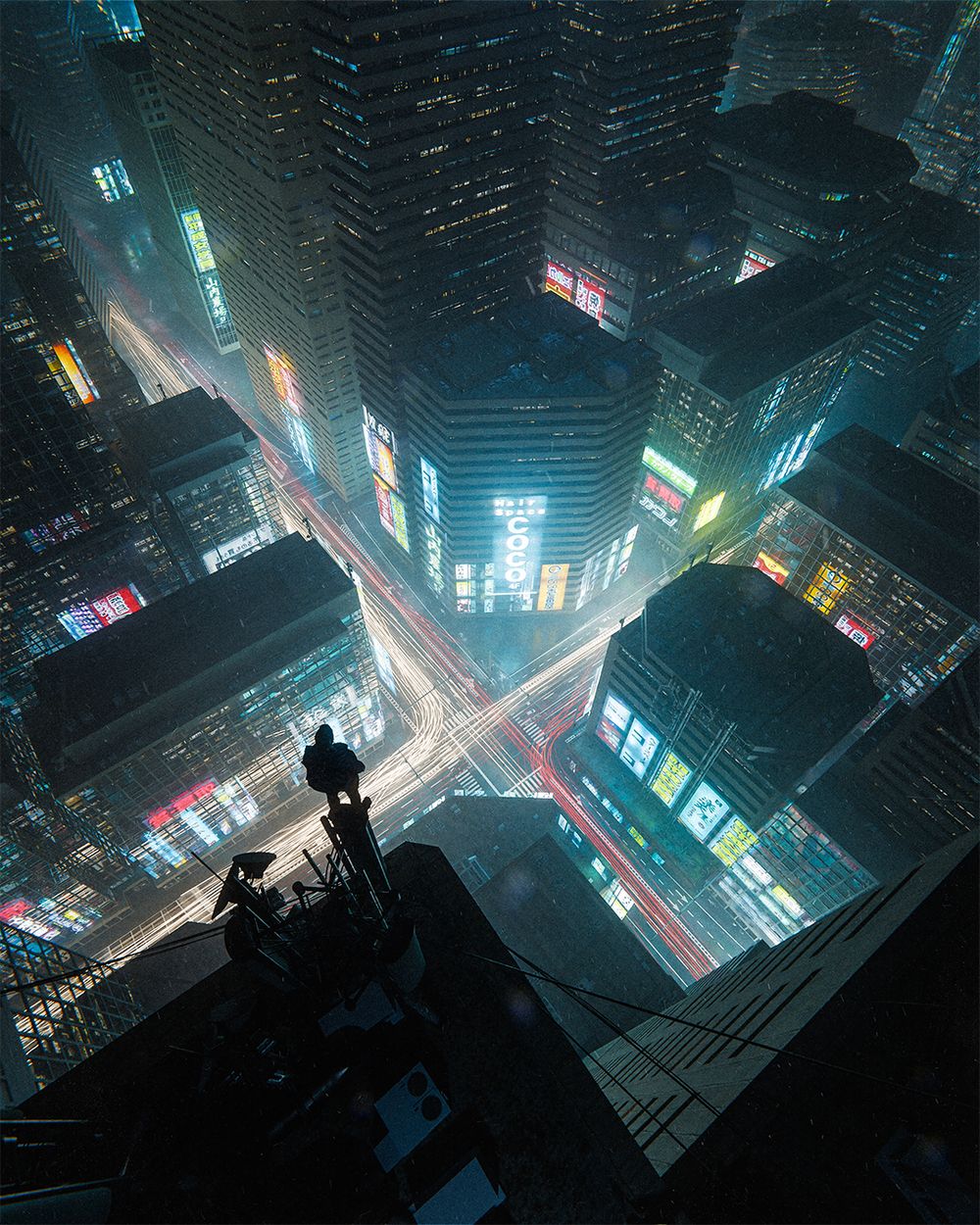
Section 4 - Neon Junction Creation
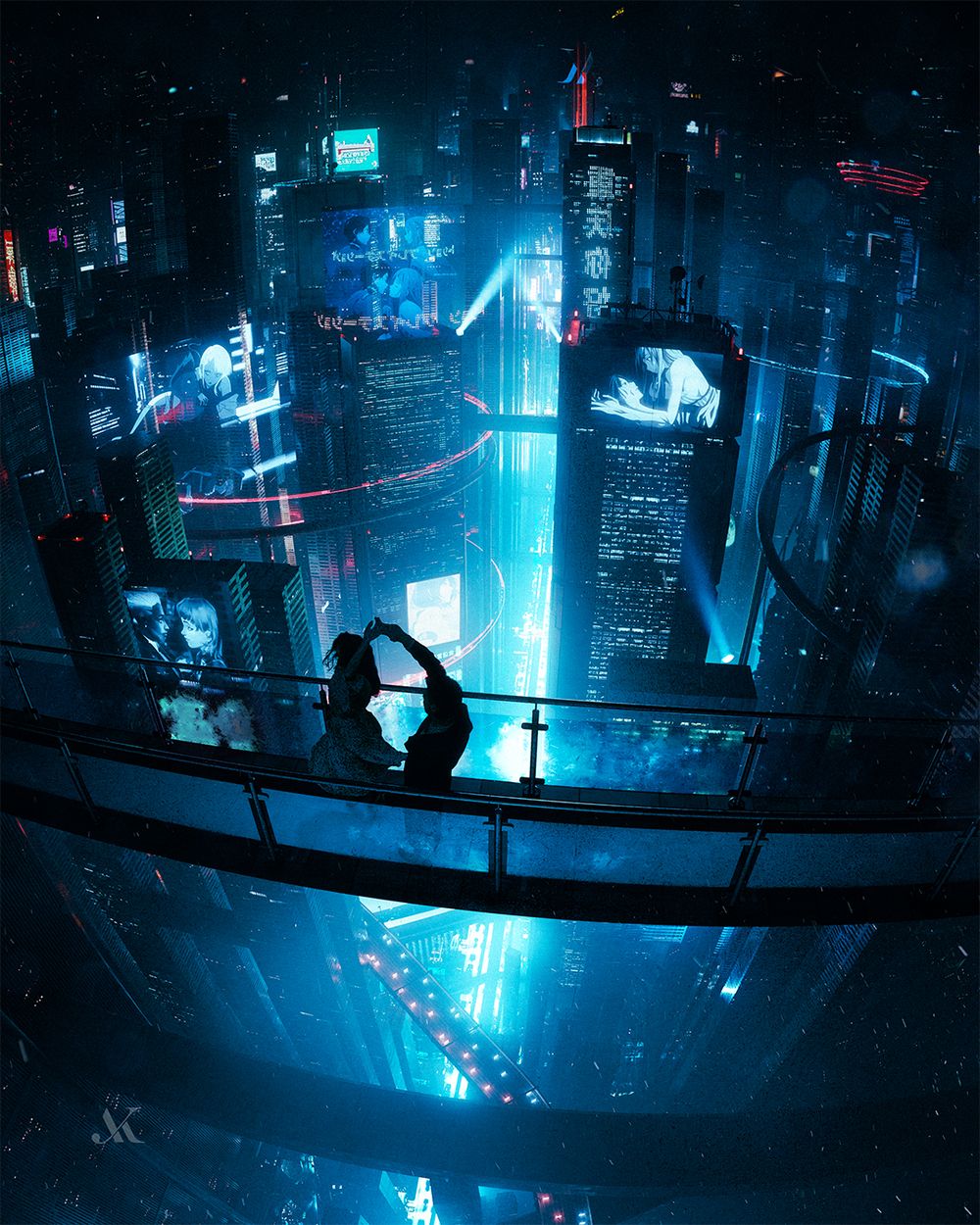
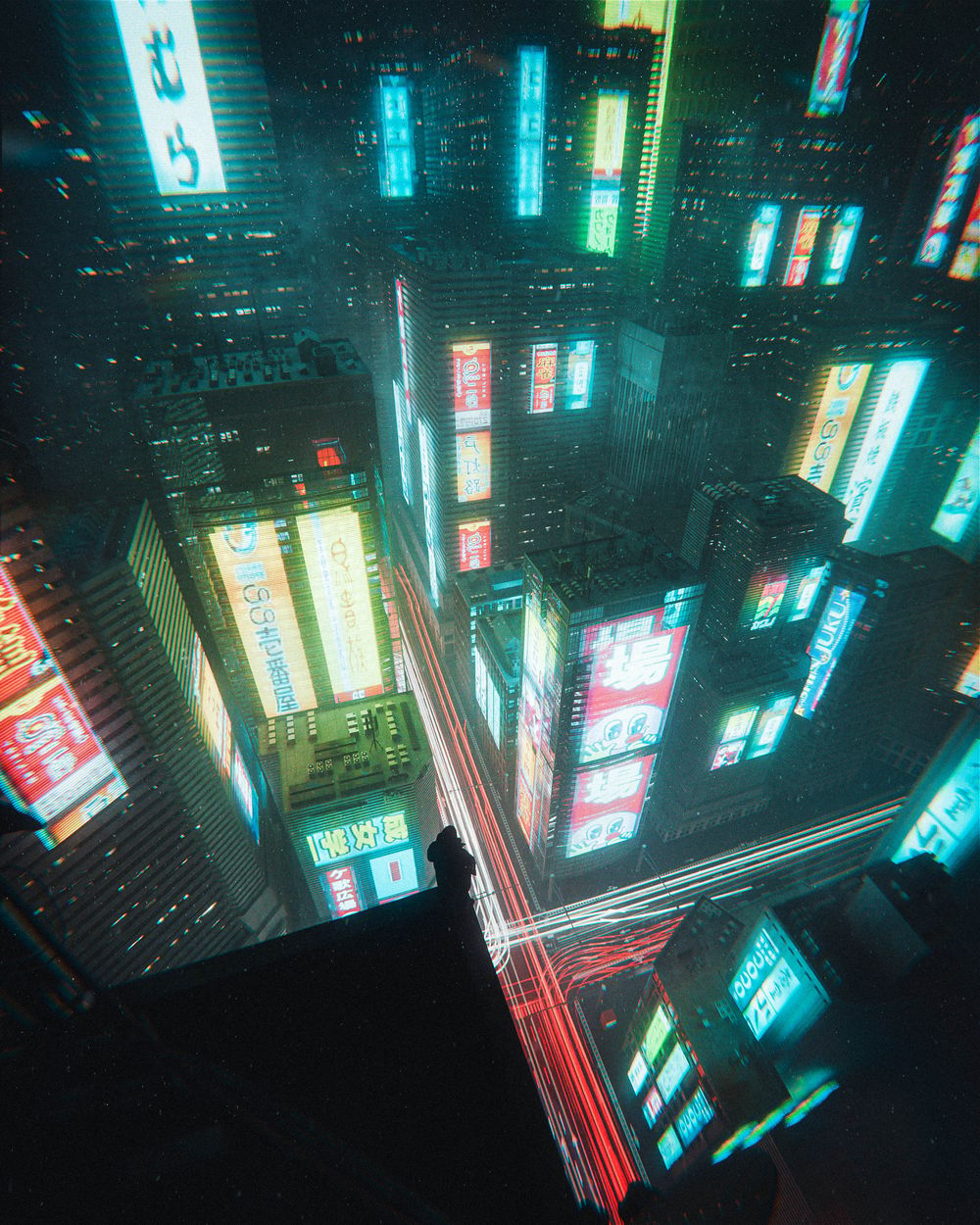
In this next section, we'll zoom out to a busy city rooftop with light trails below. This is the first big environment and there's lots to learn here, from making buildings, light trails and roads, to getting a feel for managing big cityscapes.
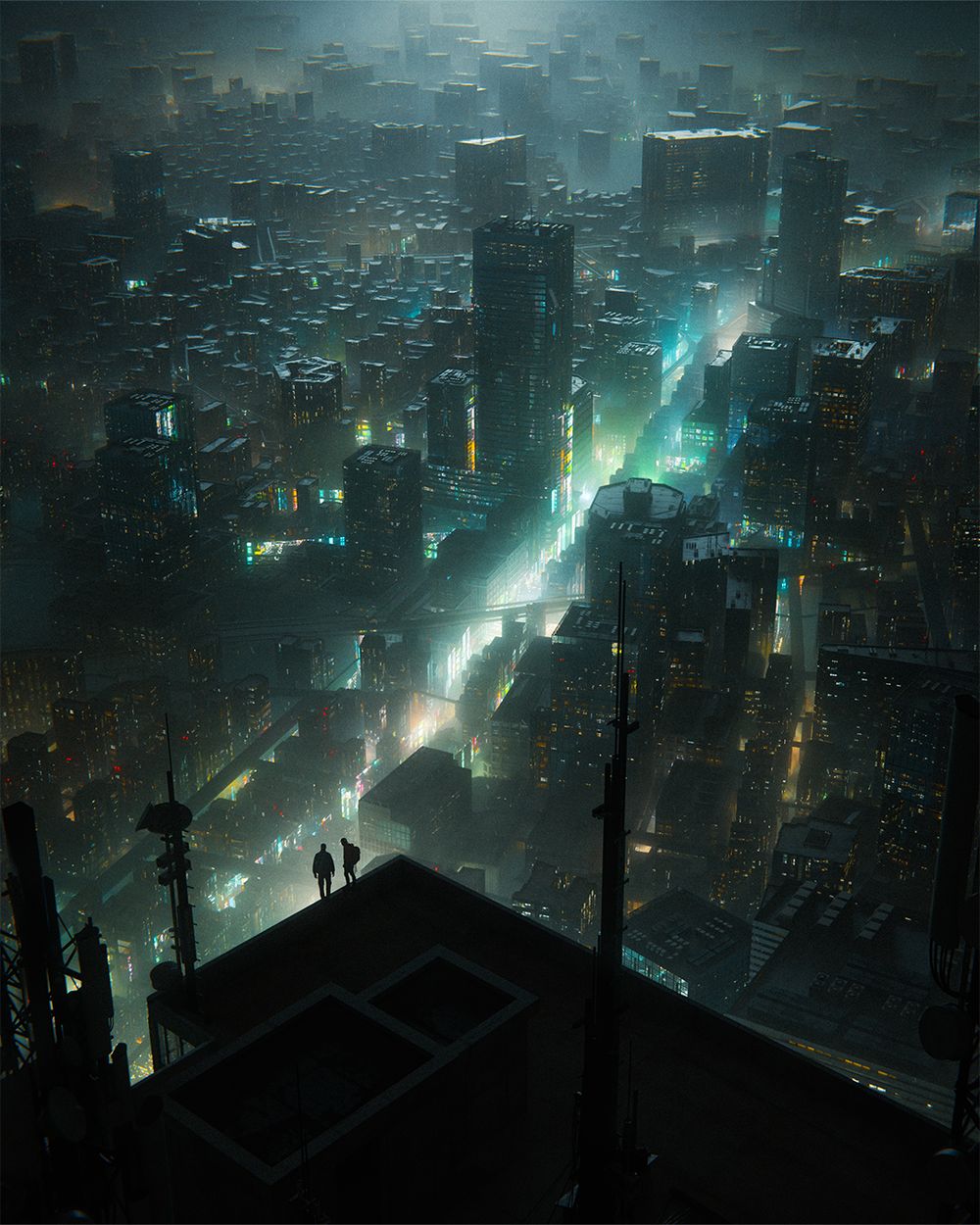
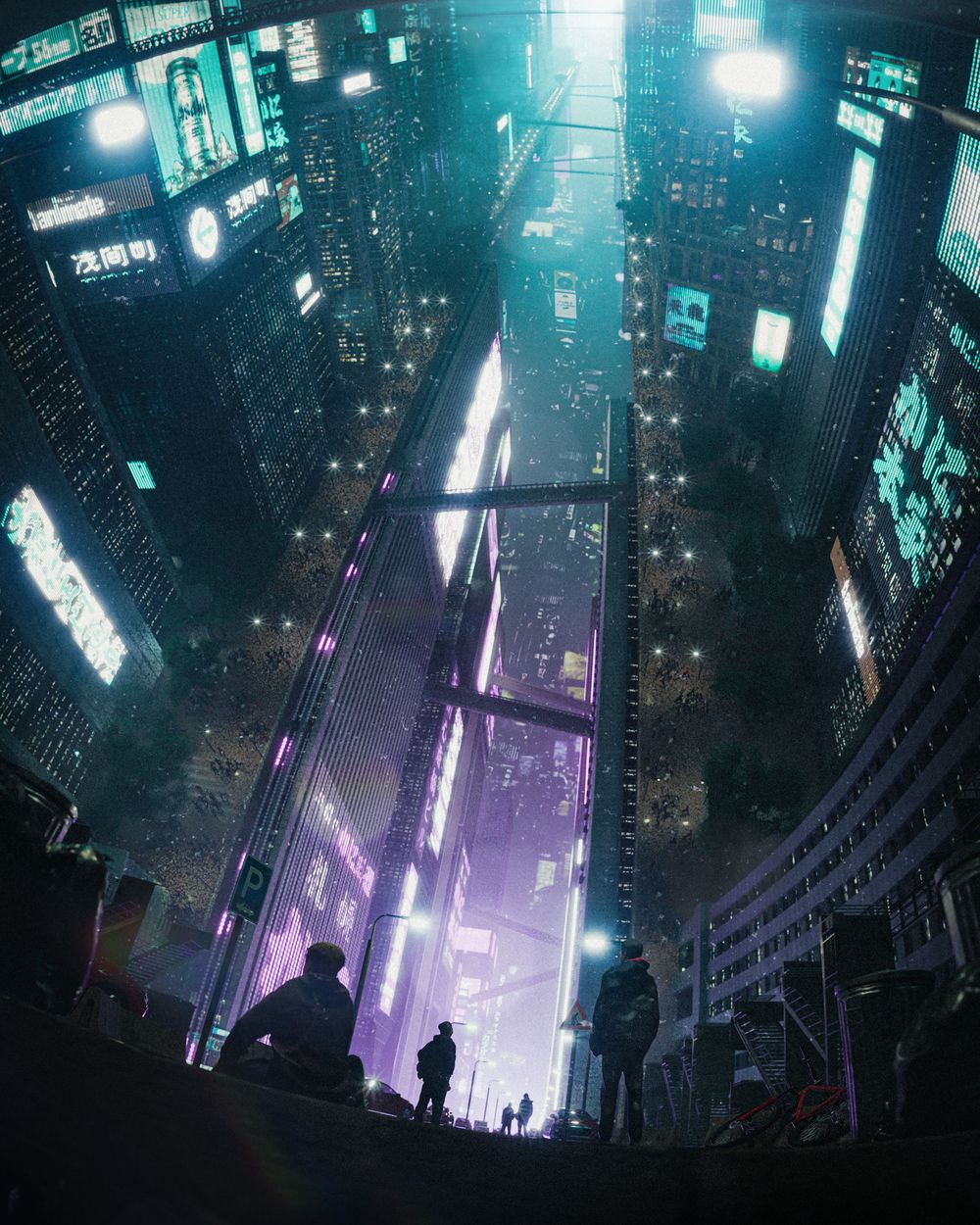
Section 5 - Giant City Creation
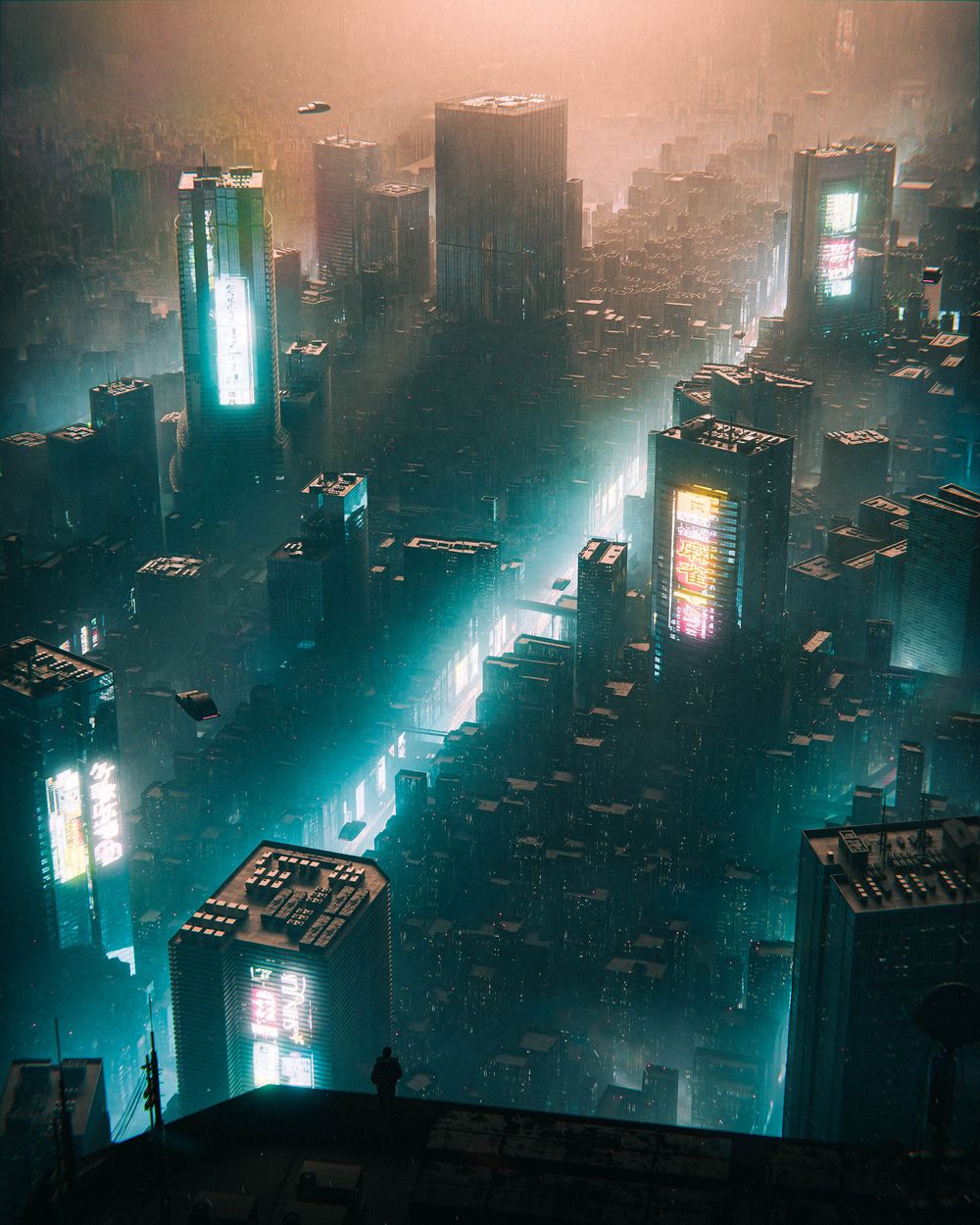
Finally, the Giant City. The further you zoom out, sometimes the easier it becomes. We'll be using blender BLOSM (free addon) for the general layout of the buildings, and customizing it from there into a giant lit up city fading off into the horizon.
This one is particularly important for managing cities at different scales. There are really no limits to how big you can make something feel in blender, as long as you understand how to handle large-scale scenes (and it's really not as bad as you'd think).
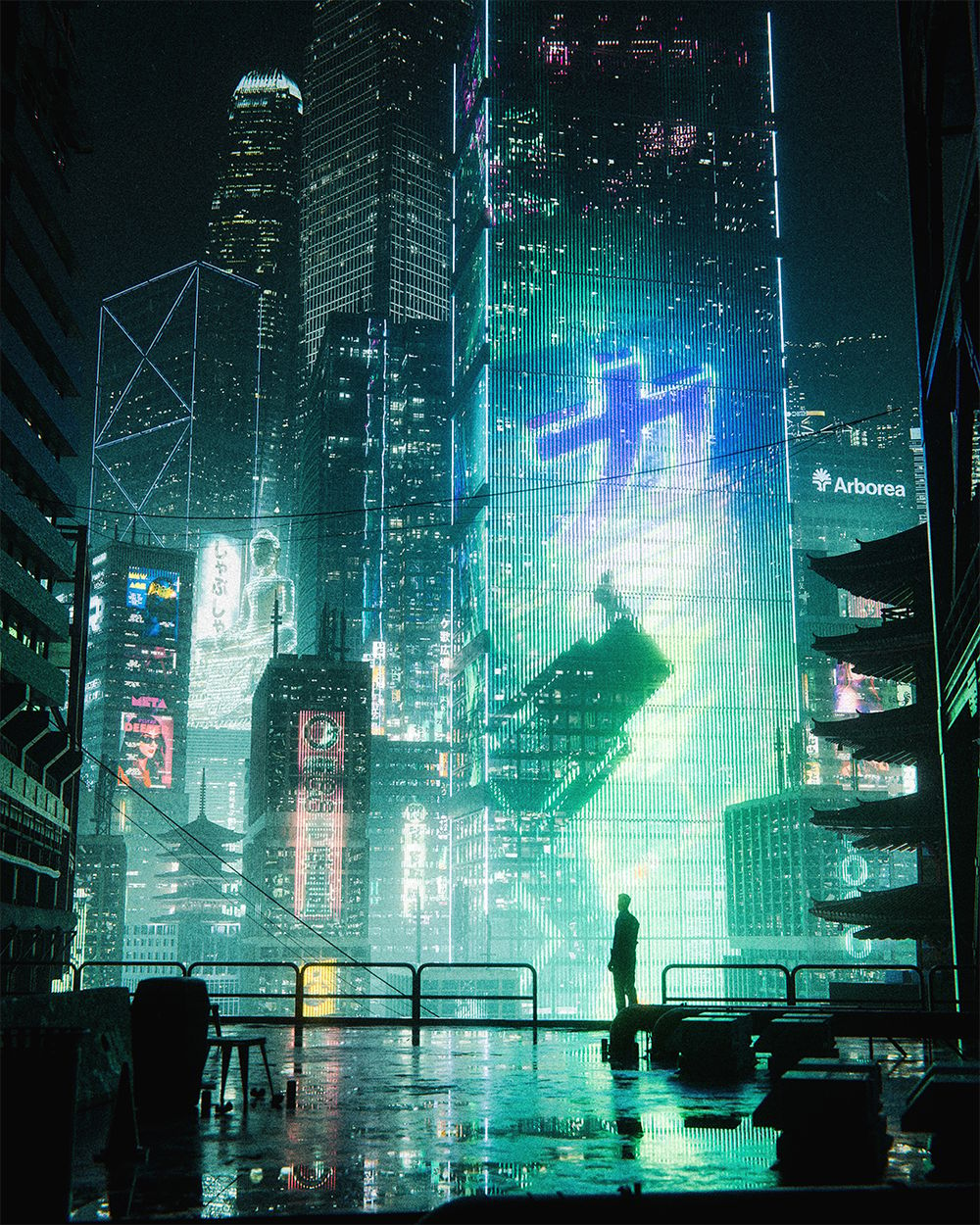
Section 6 - Neon City Creation
I've updated the course with 3 new environments, the first one being this huge neon city. This one will go into creating a neon city full of life, and really nailing that cozy cyberpunk vibe.
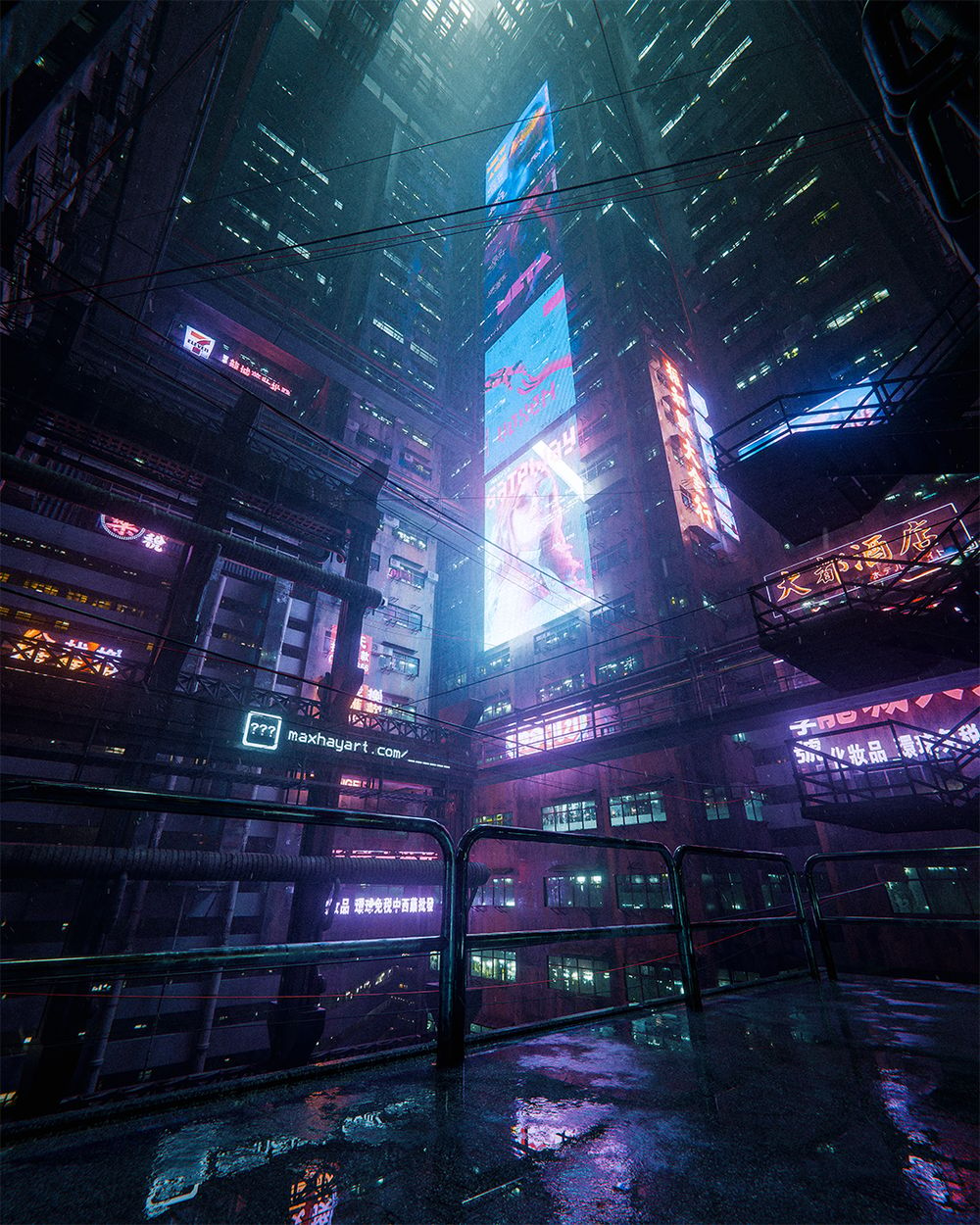
Section 7 - "High Rise" Environment Creation
Second of the 3 new environments I've added to the course. In this one we'll create a wide shot of a cyberpunk apartment complex.
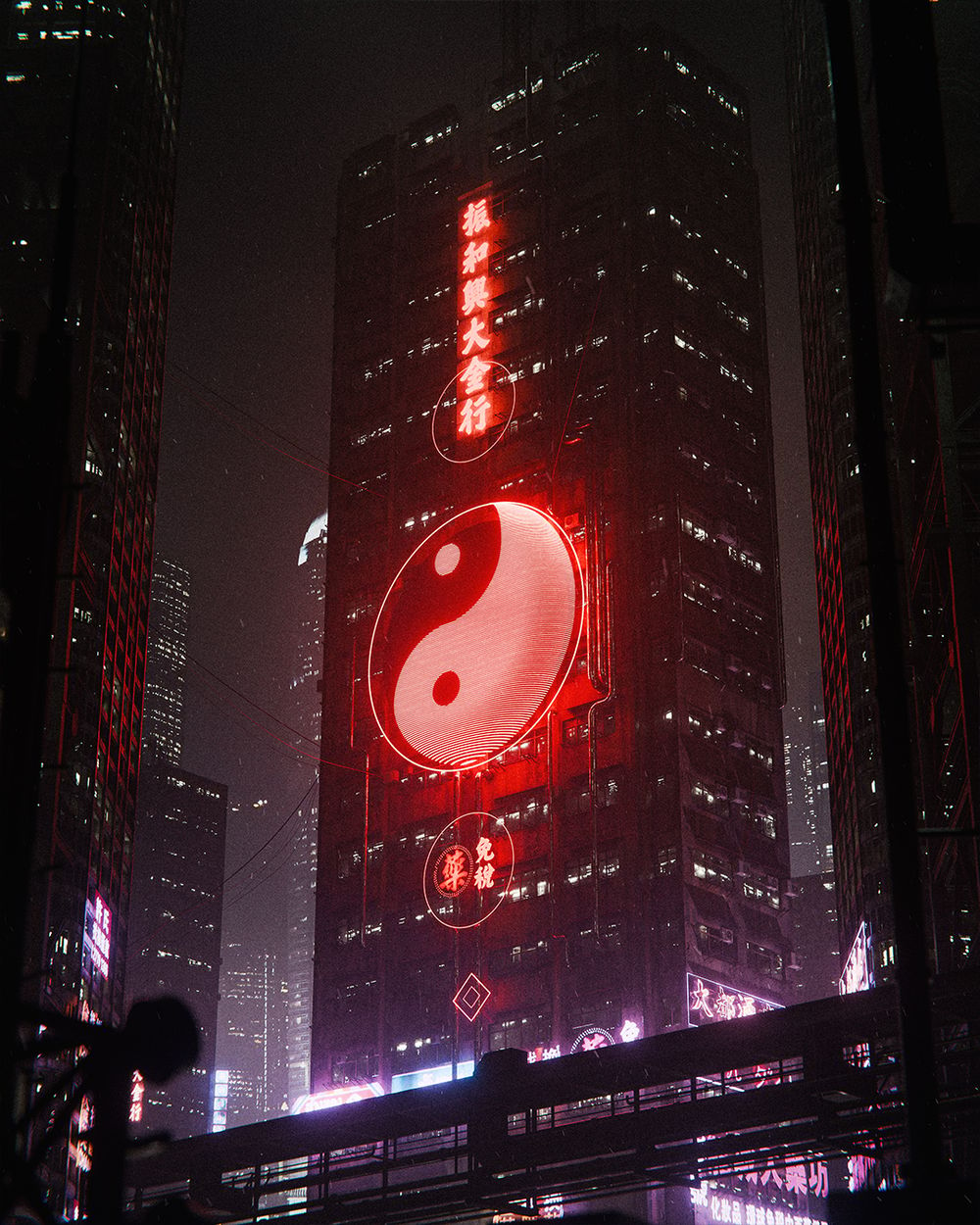
Section 8 - "Light & Dark" Environment Creation
Third of the new environments added. In this one we'll create a telephoto shot of this building, complete with Chinese signs and gritty apartment buildings.
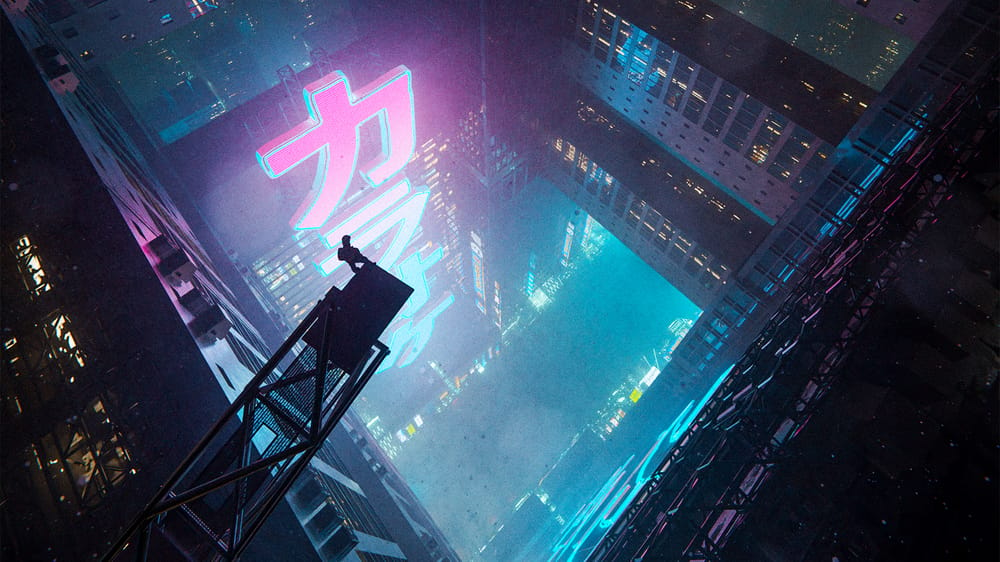
Section 9 - Theory, Ideas & Inspiration
I'll leave you with some composition breakdowns from a few of my favorite cyberpunk scenes from other artists, and a more personal section where I talk about motivation, burnout, getting ideas, work schedule and the best way to improve as fast as possible in Blender.
30-day refund · Full Access Today
6 Asset Packs. 328 3D Models.
Use these in commercial and personal projects, no credit required.
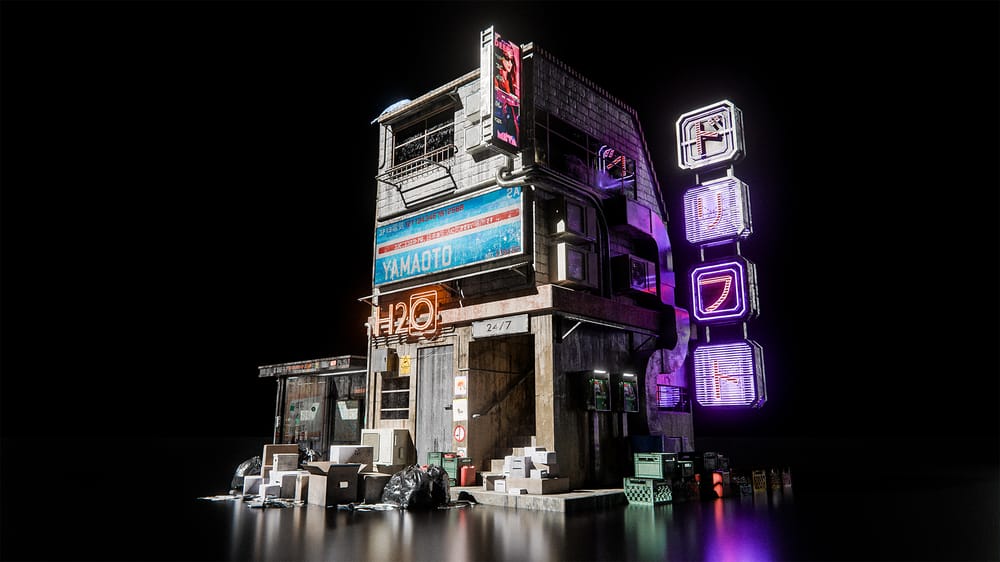

1. Cyberpunk Streets Pack
Use this pack of street models to help bring your cyberpunk or city renders to life with ease. Includes 44 models, is mostly lightweight, and still has enough detail to bring renders to life.
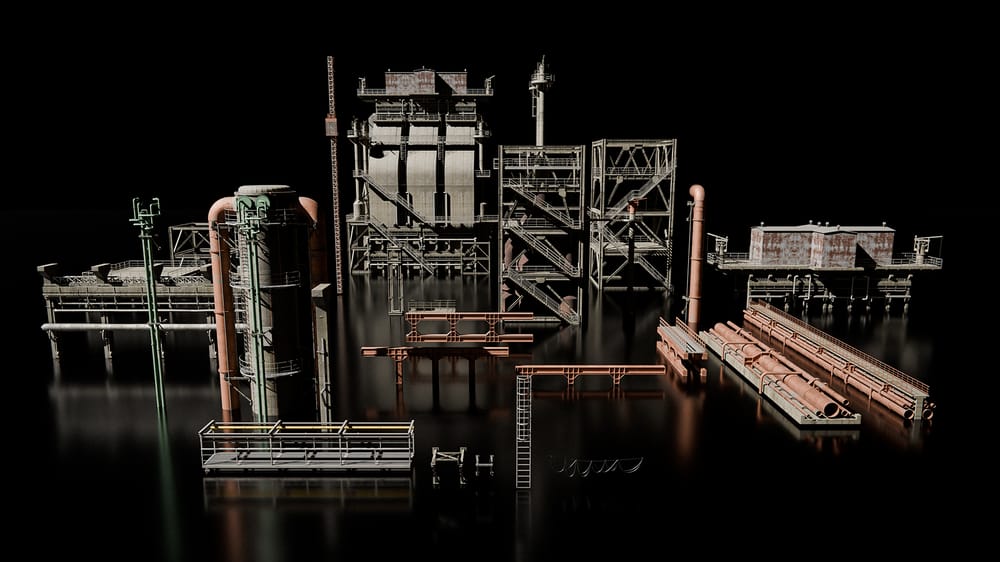
2. Industrial Pack
Pack of industrial models to add a level of grittiness to your cyberpunk, or industrial renders. Includes 29 models.

3. People Pack by 3DFarm
Enjoy this pack of 5 models of people supplied by 3DFarm. I've been using 3Dfarm's models in my work for years, and I decided to partner with them here so that you can add people to your renders. Includes 5 people.
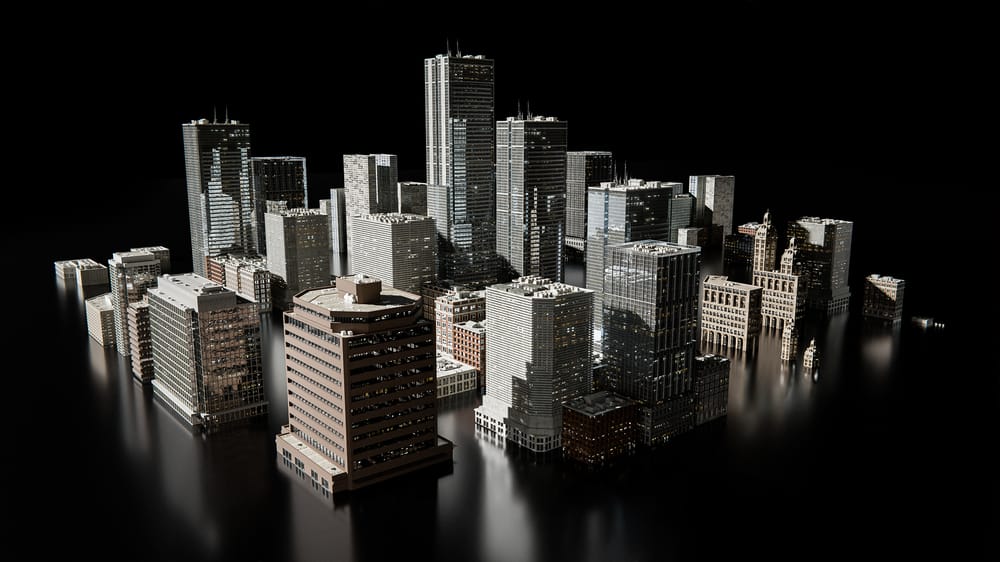
4. City Buildings Pack
This course will teach you how to make buildings from scratch, but I've included a pack here as well to make cities a lot easier.
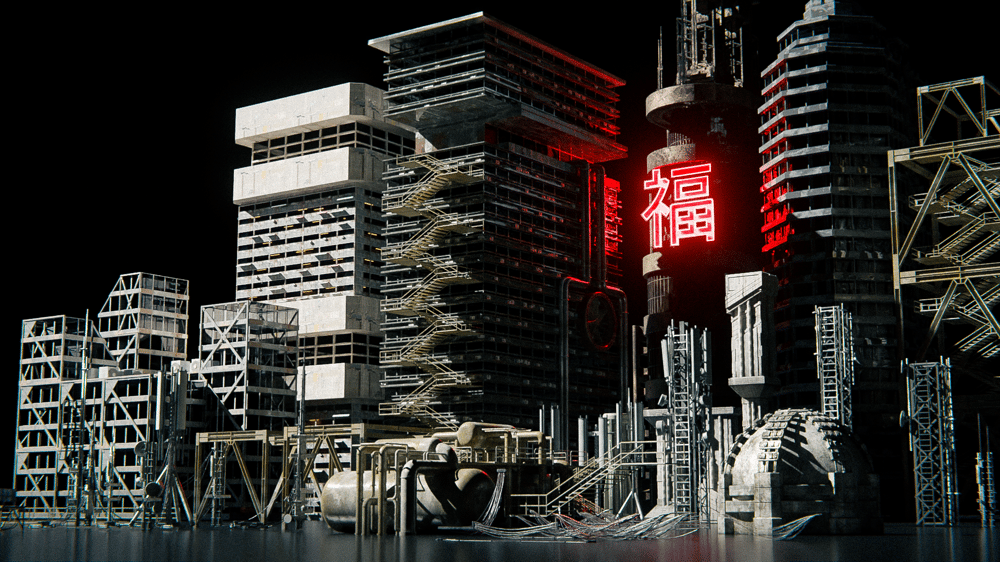
5. Classic Sci-fi Pack
The Classic Sci-fi pack from my older course, now included here. Comes with rooftop antennas, wires, pipes, industrial buildings and assets, and other fitting models to fill up your rooftops and cities.
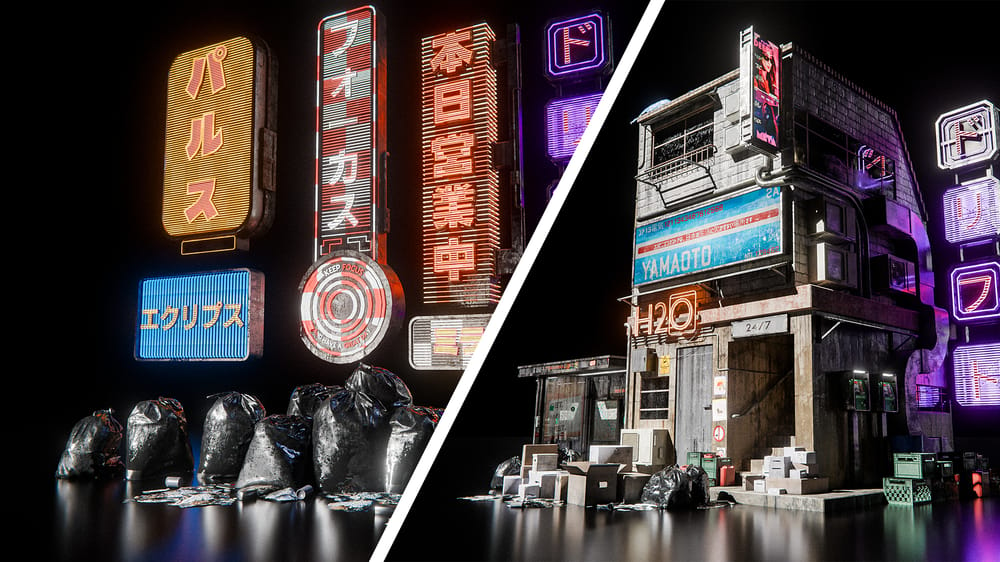
6. Neon Streets Pack Created by Eynn Barrios
I commissioned Eynn Barrios and worked closely with him to bring you this pack of 170 neon signs, trash piles, crates & boxes, street props, and more.
I'm really happy with how this one came out, I've found it super helpful for filling up city renders with endless neon signs and more.
30-Day Refund Policy
You can buy the course, go through the ENTIRE thing, and if you still don't feel like it was worth it, you can get a FULL refund up to 30 days later.
I have this policy for 2 reasons:
1: I don't want your money unless you're 100% happy with your purchase. And 2: I'm making a point here by how confident I am in the product.
30-day refund · Full Access Today
So here's everything included:

1. Environment Process - Cyber Cube
An easier intro to the course so you can get a cool render done right out of the gate. You'll get to know the basic workflow I teach without anything too intimidating.
- Access project files + all assets inside
- Realtime process shown & explained in detail
- All used resources and timestamps provided
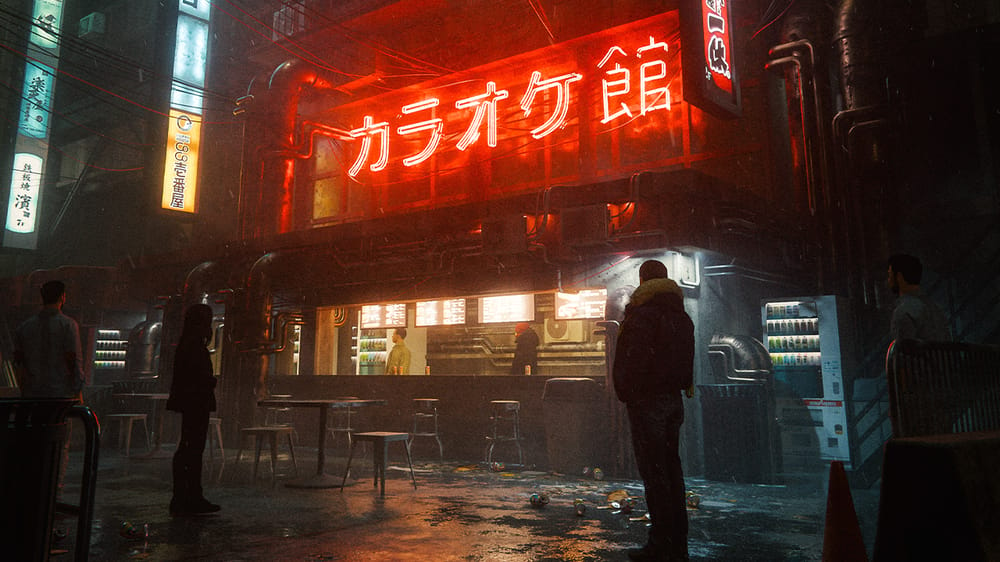
2. Environment Process - Cyberpunk Street
In this second environment we'll go into how to make gritty cyberpunk streets, from making buildings to AC units and neon signs.
- Access project files + all assets inside
- Realtime process shown & explained in detail
- All used resources and timestamps provided
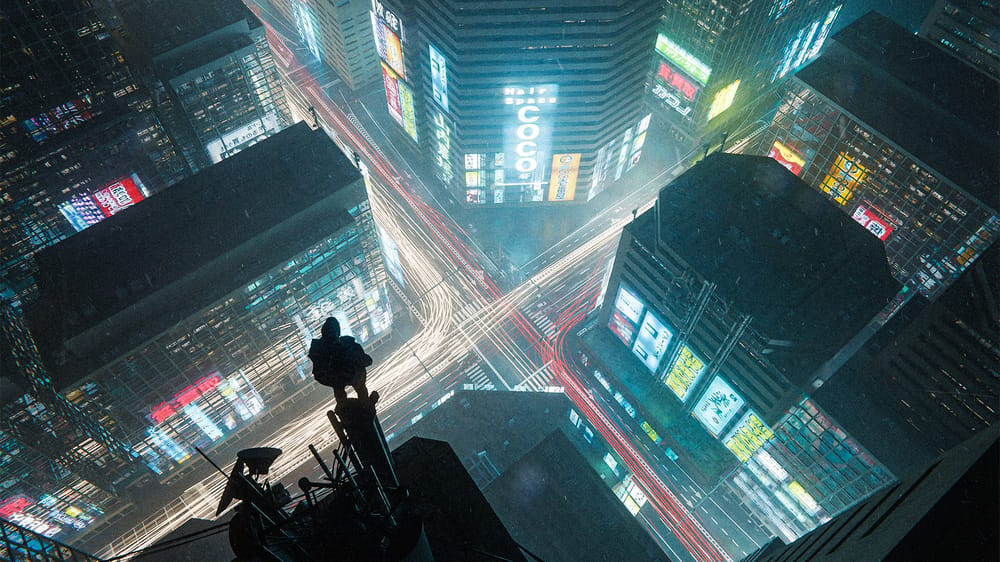
3. Environment Process - Neon Junction
Next, we'll zoom out a bit to a rooftop render above a bustling intersection of neon lights. Again, the real-time creation is shown and explained in great detail so you can create the same or your own version of this.
- Access project files + all assets inside
- Realtime process shown & explained in detail
- All used resources and timestamps provided

4. Environment Process - Giant City
After that, we'll create this giant city render. I wanted to show all levels of creating a city, and what better way to end it than with a huge cyberpunk city with neon lights fading into the horizon?
- Access project files + all assets inside
- Realtime process shown & explained in detail
- All used resources and timestamps provided
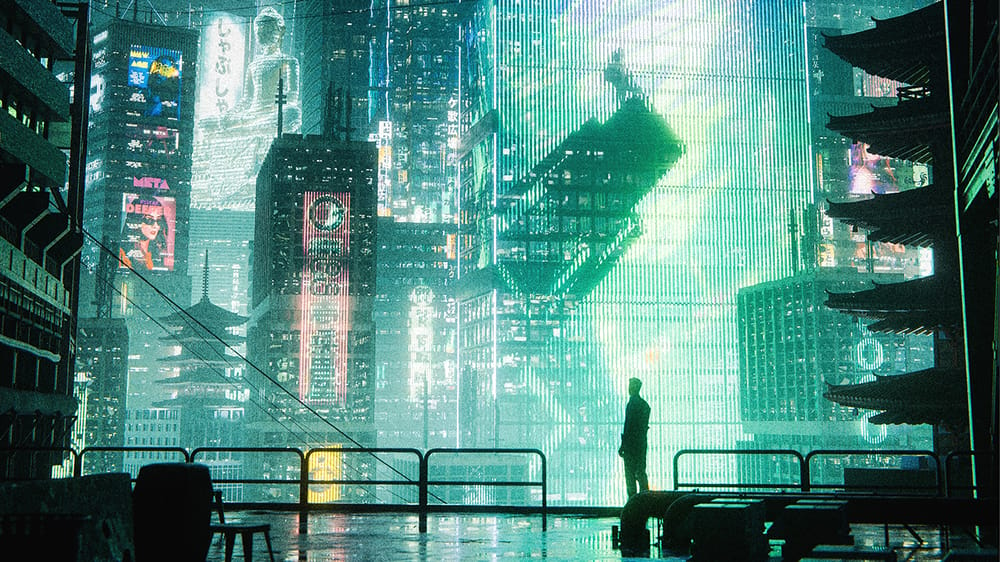
5. Environment Process - Neon City
First of the 3 new environments added to the course.
- Access project files + all assets inside
- Realtime process shown & explained in detail
- All used resources and timestamps provided
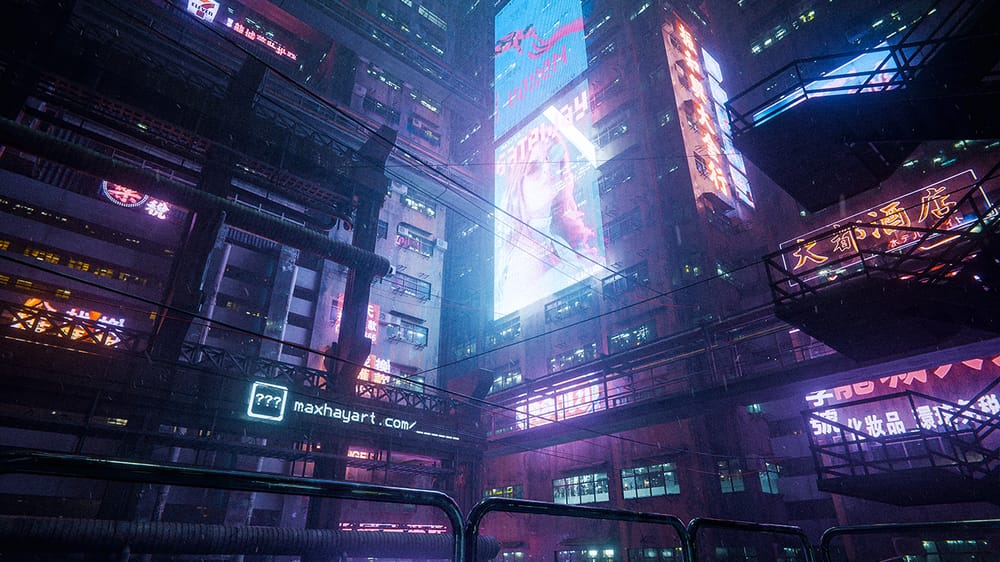
6. Environment Process - High Rise
Second of the 3 new environments added to the course.
- Access project files + all assets inside
- Realtime process shown & explained in detail
- All used resources and timestamps provided
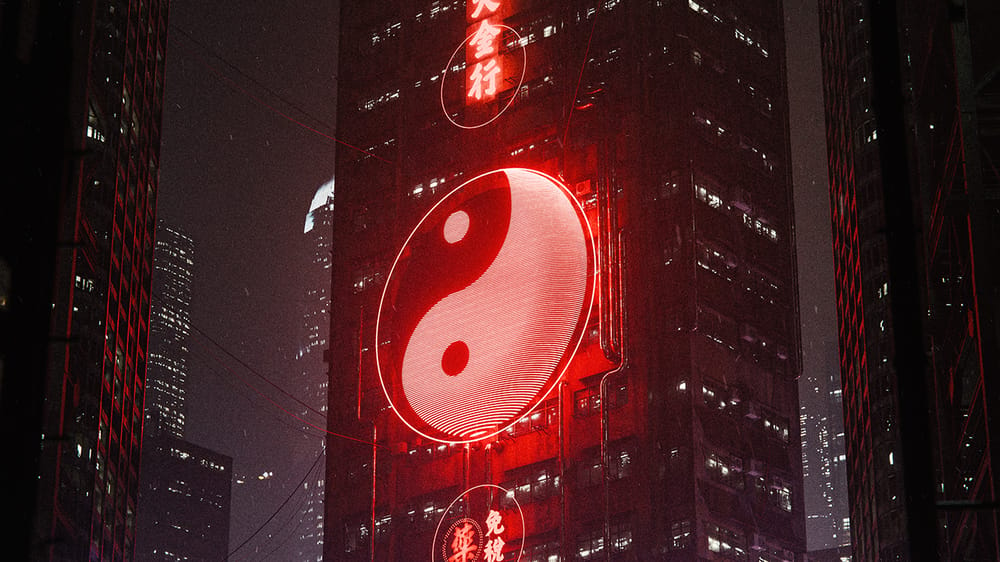
7. Environment Process - Light & Dark
Third of the 3 new environments added to the course.
- Access project files + all assets inside
- Realtime process shown & explained in detail
- All used resources and timestamps provided
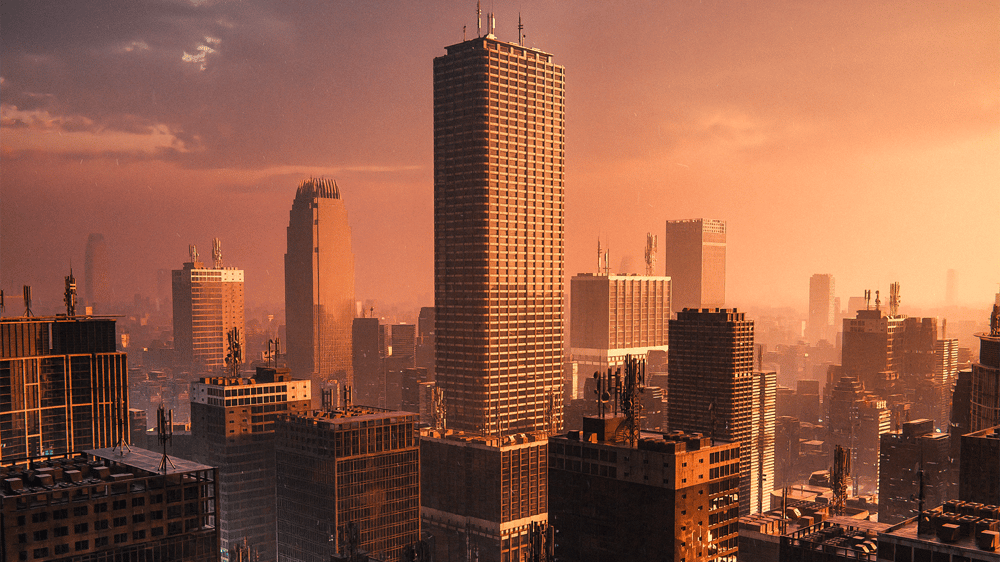
8. Bonus Module 1 - Sunset Cityscape
Bonus module from my first course, now included here.
- Access project files + all assets inside
- Realtime process shown & explained in detail
- All used resources and timestamps provided
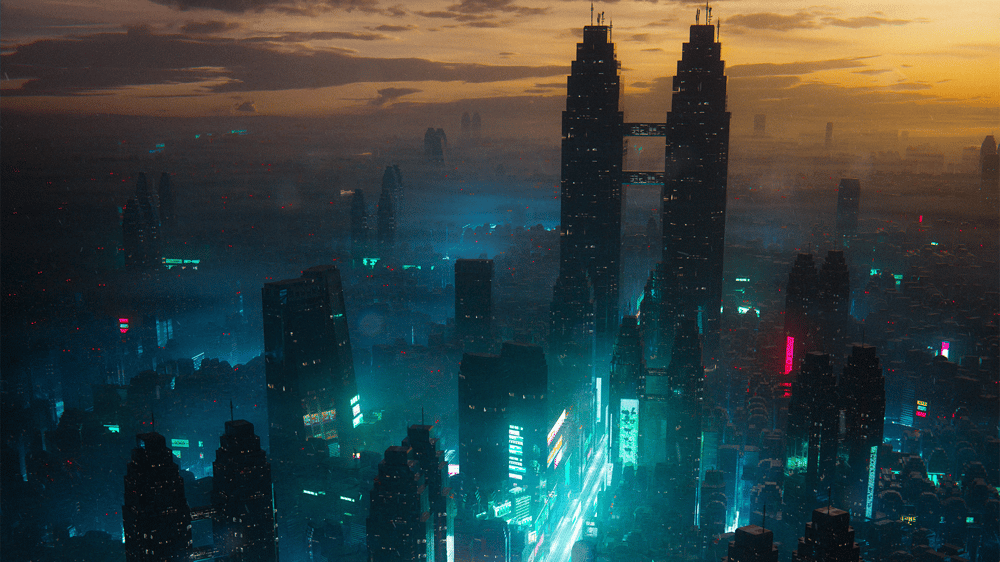
9. Bonus Module 2 - Nighttime Cityscape
Bonus module from my first course, now included here.
- Access project files + all assets inside
- Realtime process shown & explained in detail
- All used resources and timestamps provided

10. Cyberpunk Streets Pack
Pack of models I made specifically to fill out gritty cyberpunk streets with tons of detail.
- Mostly Lightweight (a few higher poly ones)
- Super easy to use
- Use in commercial/personal work

11. Industrial Pack
Though not specifically an industrial render course, I've found industrial assets typically go very well with cyberpunk streets. So enjoy this pack to add that industrial look to your urban renders.
- Lightweight
- Super easy to use
- Use in commercial/personal work
12. People Pack by 3DFarm
I partnered with 3DFarm to get this pack of people included in the course. I've been using their models for years and they are my main source when buying 3D people models. Enjoy this included pack to enhance your city (or any other type of) renders.
- Lightweight
- Super easy to use
- Use in commercial/personal work
13. City Buildings Pack
While the course will teach you exactly how to make your own buildings, I'm providing a pack of buildings to make cities a lot easier and faster.
- Mostly Lightweight (a few of these are slightly higher poly)
- Super easy to use
- Use in commercial/personal work
14. Classic Sci-fi Pack
I've added the Classic Sci-fi pack from my older course. I still use this pack all the time to fill up rooftops with antennas, add cyberpunk wires, and fill empty space with gritty industrial buildings.
- Lightweight
- Super easy to use
- Use in commercial/personal work
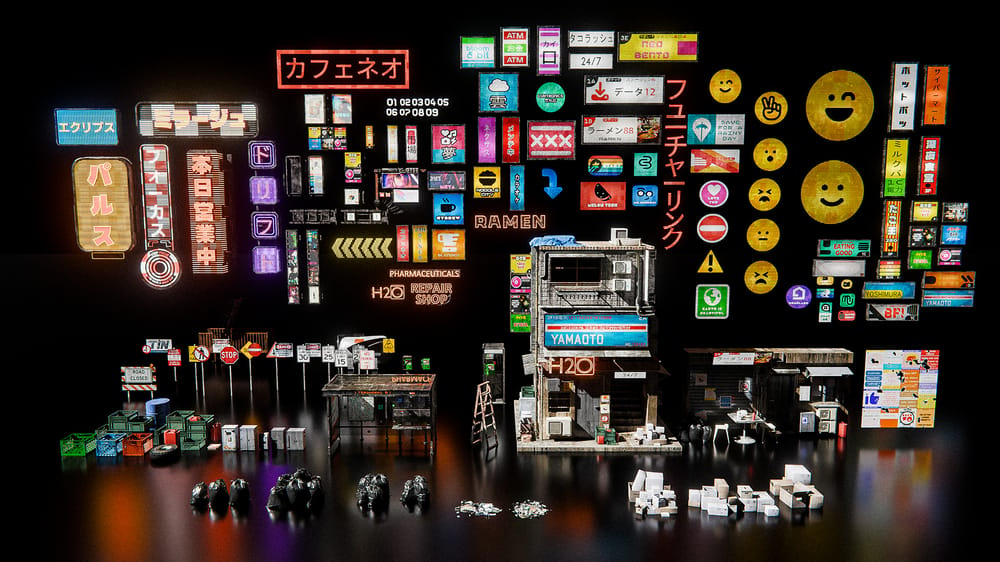
15. Neon Streets Pack by Eynn Barrios
170 neon signs, trash piles, boxes & crates, street props, and more.
- Lightweight
- Super easy to use
- Use in commercial/personal work
16. Bonus Content
The course includes sections on composition, exactly what makes an artwork look good, finding inspiration & ideas, other project breakdowns and more.
17. Secret Environment Guide
Secrete render + full length guide on creating it. 2 Hours.
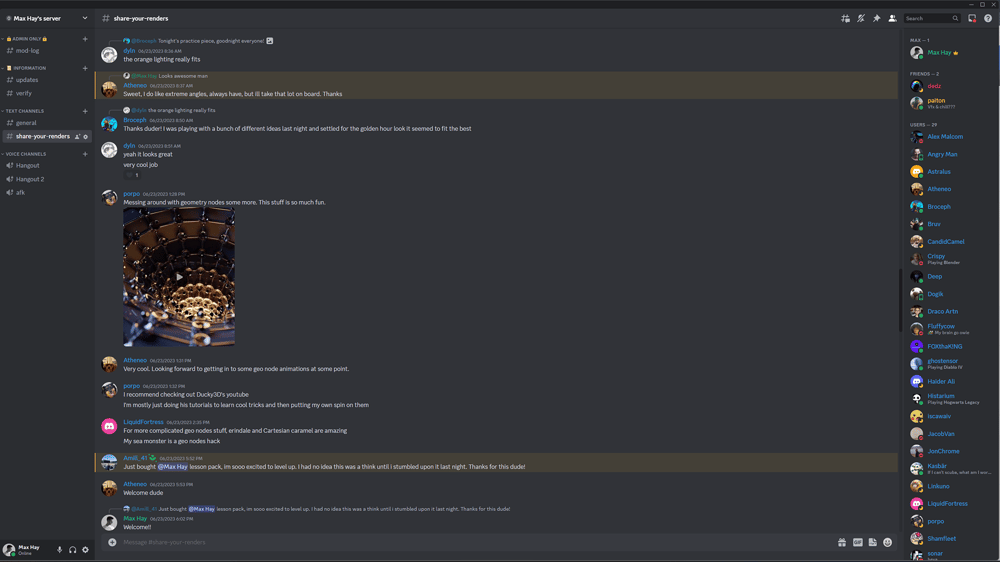
18. Access to the Private Community Discord
You will get access to the private community Discord with hundreds of similar artists to connect with. It's only available to people who have gone through my courses.
You can get help and feedback, chat about blender or art, and talk to me directly.
Student Results
People have been making amazing renders as a result of this course, below I've selected a few of my favorites to show, as well as their IG handles / names:
"This course gave me the tools and confidence to create detailed and immersive cyberpunk environments in Blender. The techniques were easy to follow, and I saw noticeable improvements in my 3D work right away."
- @ahmedkdrz

"great course, easy to follow, Max encourages exploration, it's a treat to have him share his process. I keep going back to his courses to bring life to my projects."
- @perception5
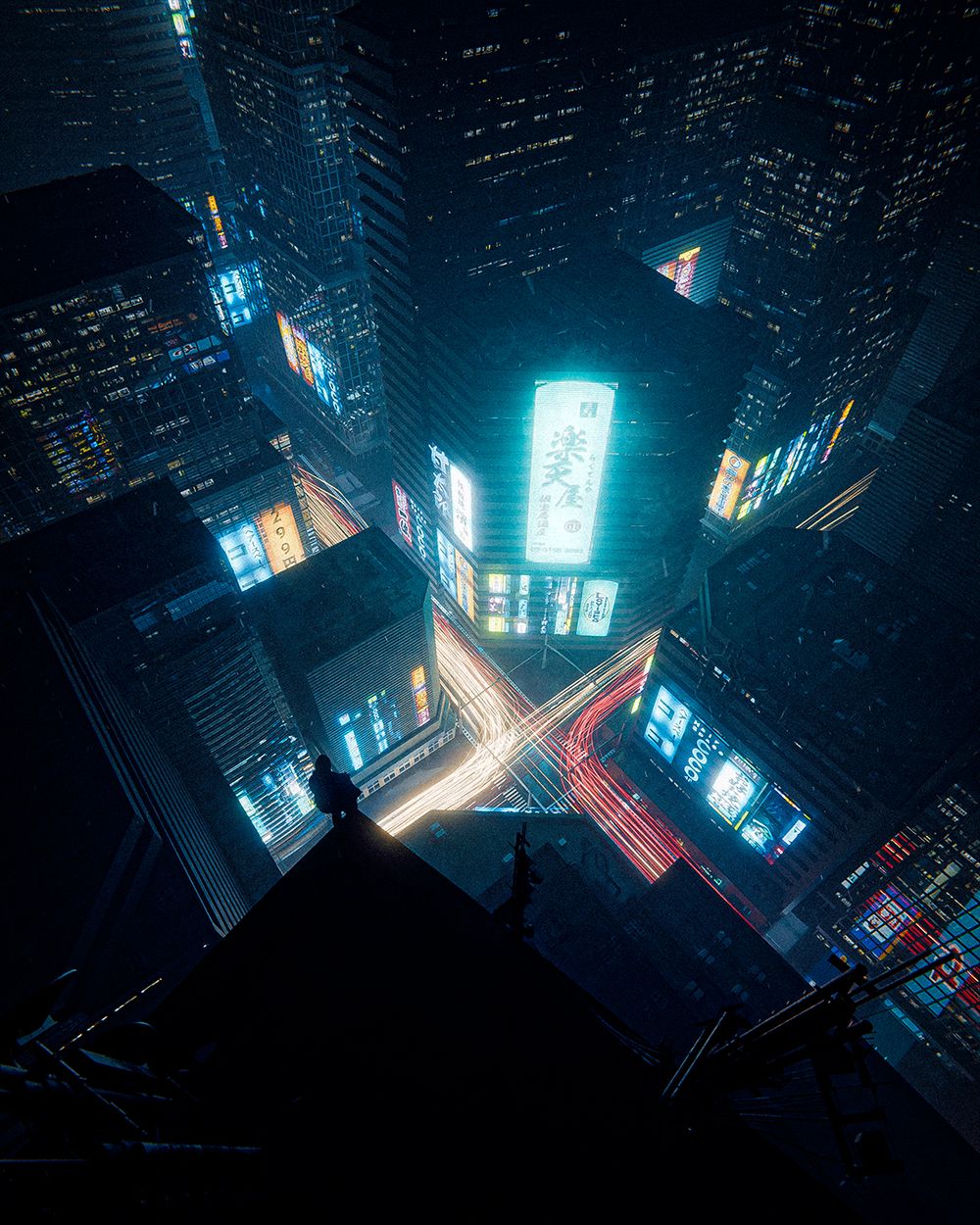
"When I try to create sci-fi scenes, I often feel troubled by the large scale and long rendering times
However, your course demonstrates how to achieve large-scale scenes with low rendering times, which is truly impressive"
- @galazi
"My favorite aspect of the course is how it emphasizes getting things done, without being overly distracted by detail or overwhelmed by scale. The strong forward-movement of Max's process flattens the initial hurdles of executing on an idea, allowing more energy to go towards impactful creative-decisions and getting results."
- James Patel
"I loved how simple the basic setup was, and from very early on you saw results which motivated to continue, and the end result is amazing!"
- @niko_alaopas
"Coming into the course with a good understanding of Blender, I’ve still been able to learn and develop so much from this course."
- @_frankie.design_
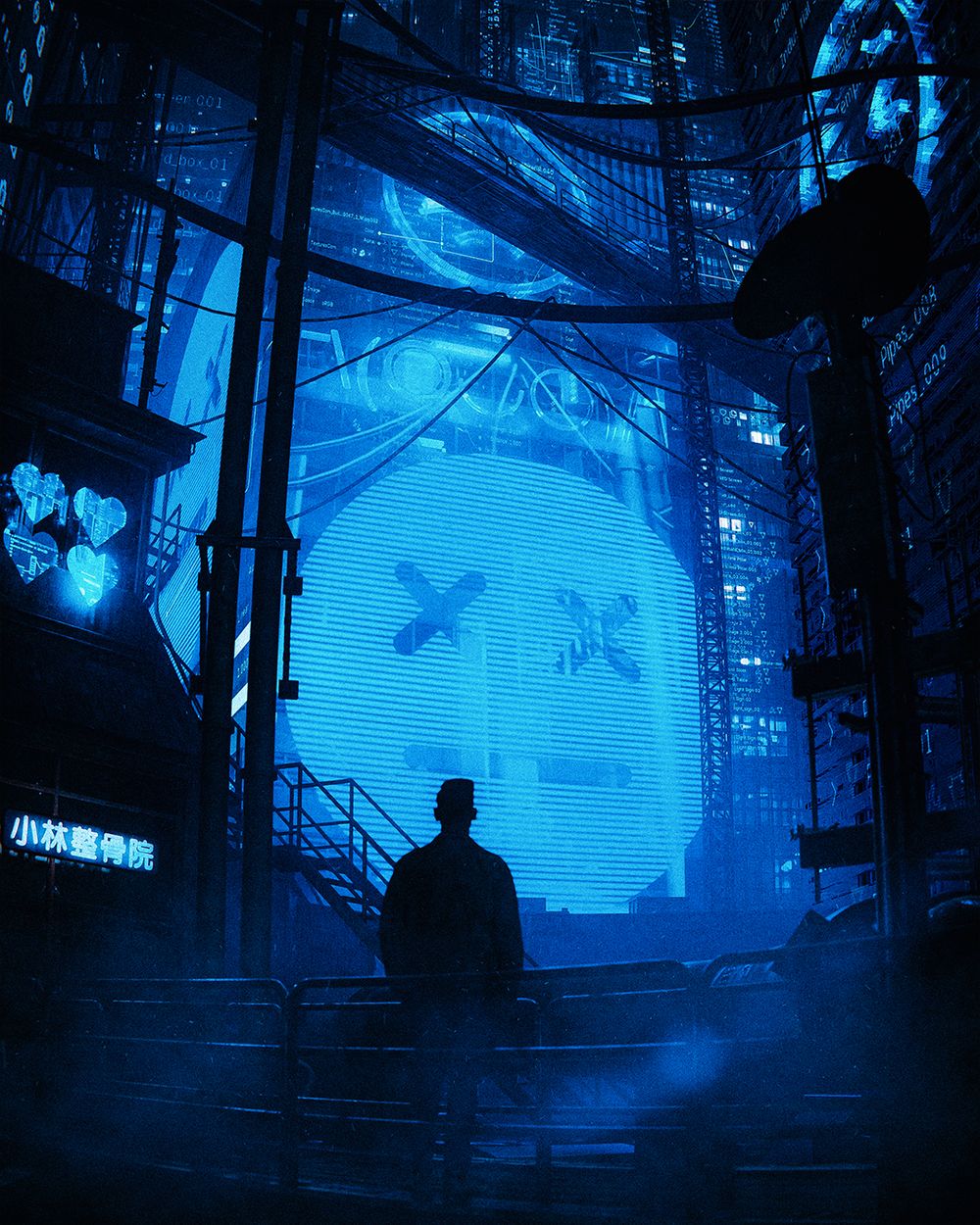
This course completely changed how I approach cyber environments. I went from struggling with depth and atmosphere to creating worlds that feel alive—my renders have never looked this good.
- Eynn Barrios (@eynnbarriosart)
Art by Johannes Wingender
(@carpe3D)
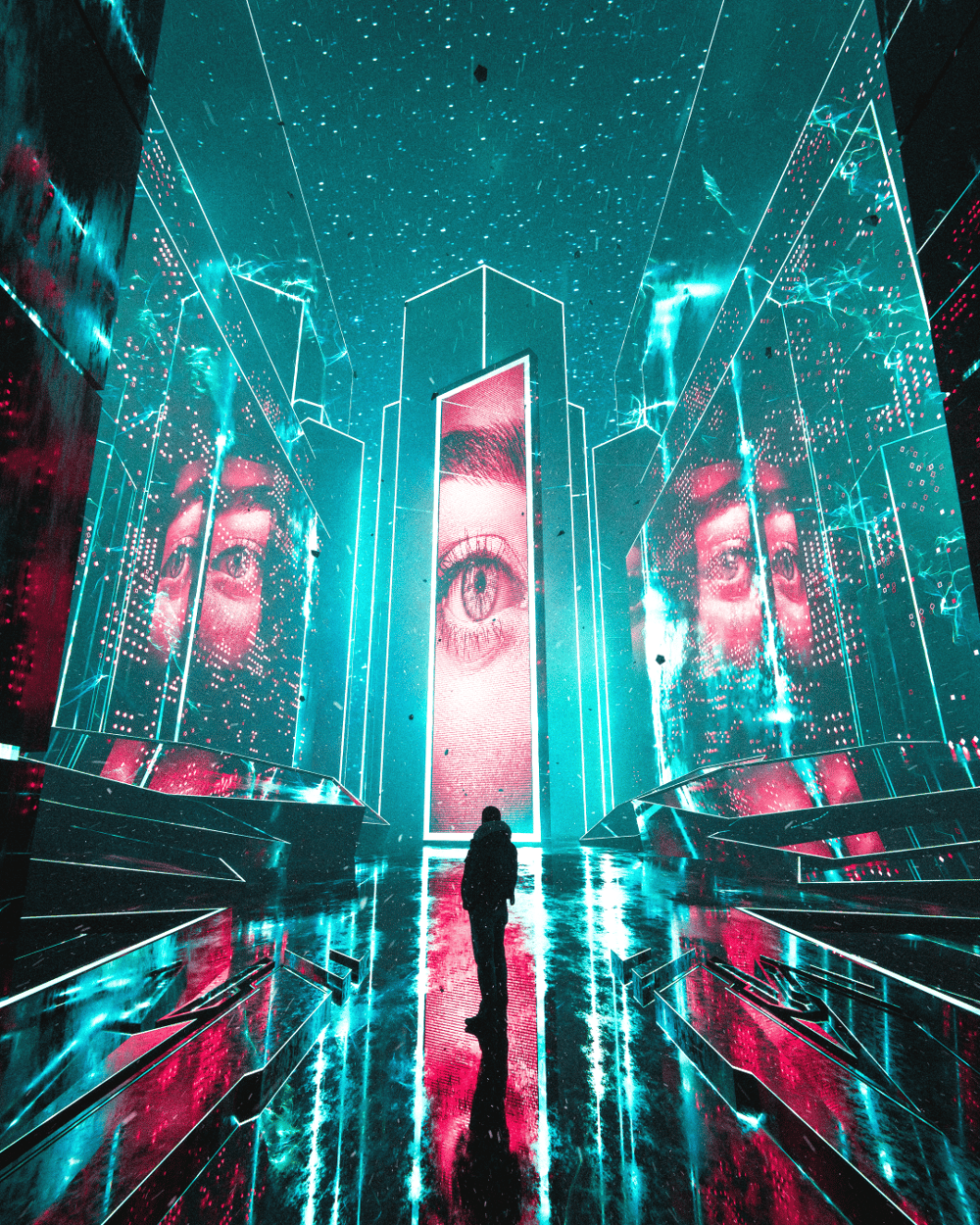
Art by Johannes Wingender
(@carpe3D)
Art by @farhannrfd
Art by @simonzhang.art
Art by @josipcgi

"Never thought I'd learn so much from a course than I will ever have from a blender tutorial on YouTube. I had absolutely no direction in my life before discovering blender. Ever since I've picked Max Hay's courses up, I have never felt so ambitious and eager to express my feelings in the form of 3D."
- @walt.3d
"working along with your project videos has taught me how to use Blender in ways I wasn't aware of and has helped widen the scope of things I'm capable of creating."
- @lengorbital

"I've used blender on and off for 2 years. Iv always wanted to push the boundaries of my work. I've been following Max on Instagram and YouTube for about a year. in 2025 January i decided enough was enough. I purchased the course to further my skill set and understand learn digest how he does what he does to showcase his work. After completing the first course, I've learnt so much detail and the fundamentals of how he works around blender. He knows how to explain certain parts while proceeding with technical skill sets. His workflow blew my mind. I cannot wait to continue buying the other courses to push the bounders of my skill set."
- @c8tivestylz
Art by @entro3d
Art by @entro3d
Art by @silent._.apple
Art by @dframed.art
STILL GOT QUESTIONS?
Frequently Asked Questions
How long is the course?
The course contains 24+ hours of content.
Each environment is roughly 2-3 hours long, split into shorter lessons along the way.
Is everything shown in real-time?
Almost all of the content is shown in real-time, aside from highly repetitive sections (I always show how to do something clearly the first time though).
So you don't have to watch me repeat the same process over and over again, but you won't be confused on how anything was made.
What software do I need to follow along with the course?
The entire course is designed for someone to follow along in blender and a bit of Photoshop. All of the asset packs come as .blend files. If you really want to follow along with what I teach in a different software, I still think there is lots of value here. But just know that there is a lot you'd be missing if you don't use blender specifically.
How difficult is the course?
The course is meant for someone with at least a basic understanding of blender. If you're completely new, I recommend going through Blender Guru's donut series on YouTube. This will teach you the basics of how to use blender.
The difficulty of this course is around the same as the content I post on YouTube. If you can follow along with most of my videos, you'll do amazing in the course.
What's your refund policy?
If you don't like the course, simply send me an email letting me know you'd like your money back within 30 days of purchasing the course. No problem.
You will not be permitted to use any of the downloadable assets unless you re-purchase the course.
Can I go at my own pace?
Yes. The course is a series of pre recorded videos, so you can go through at whatever speed you like and revisit it at any time. You get lifetime access and can come back any time.
30-day refund · Full Access Today
Still have questions or concerns? Email me here: maxhayart1@gmail.com
maxhayart
Delta RPO Tsawassen, Bc, V4L 2M4
PO Box 18125
View Terms & Conditions / Privacy Policy